
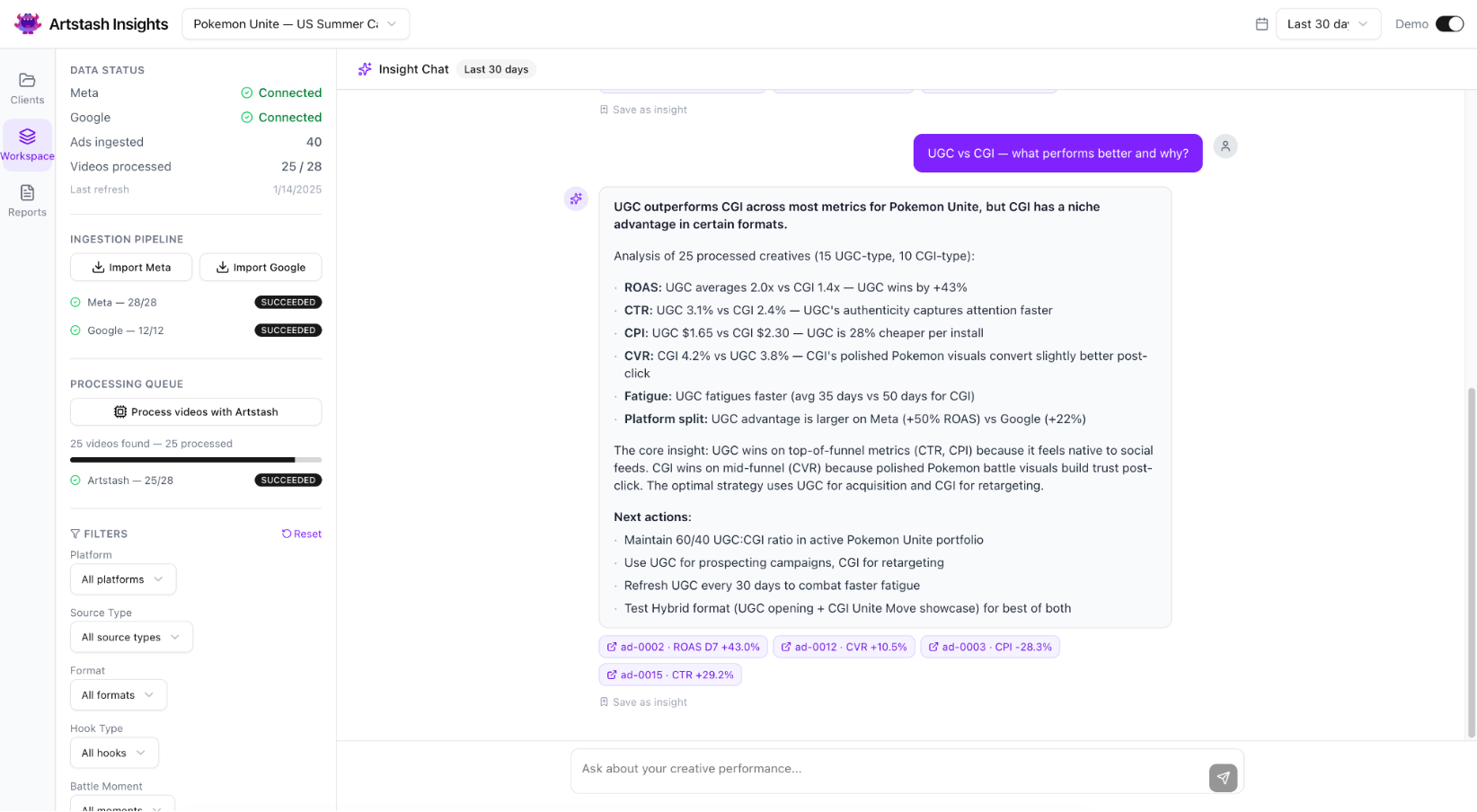
Creative production for mobile game marketing rarely happens in one place. Assets move between tools, teams, and platforms before they ever reach a live campaign. Each handoff adds delay, reduces visibility, and makes it harder to act on performance signals.
We designed the Artstash API to remove those gaps.
It provides programmatic access to assets, projects, tags, statuses, and workflows inside the DAM. Instead of adapting your process to the platform, teams can build workflows around how they already operate.
For Creative Ops and eng-adjacent marketers, this shifts the role of a DAM from storage to infrastructure.
What this looks like in practice
With API access, Artstash becomes part of a broader system rather than a destination. Assets can move in and out automatically, metadata can stay in sync, and workflows can be triggered without manual intervention.
Our API supports:
- Asset ingestion and versioning
- Search and filtering across projects, tags, and formats
- Status updates and workflow management
- Integration with external sources like Google Drive, Git, and Perforce
This enables teams to connect Artstash directly to reporting, creative generation tools, and ad platforms.
The impact is less about individual features and more about reducing friction across the pipeline.
Use case 1: Pull winners into reporting
Performance data lives outside the DAM, but the assets that drive that performance live inside it. Bridging that gap is often done manually.
With Artstash API, teams can query assets based on tags, project structure, or status, and push that data into reporting environments.
A typical workflow might look like:
- Tagging assets in Artstash based on campaign, concept, or creative theme
- Marking winning creatives using status or tagging systems
- Pulling those assets into a BI tool or dashboard automatically
This creates a direct link between creative output and KPIs like CTR, IPM, and CVR. Instead of static reports, teams get a live view of which creative patterns are driving results.
For UA managers, this improves decision speed. For Creative teams, it provides clearer feedback loops tied to actual performance.
Use case 2: Push assets from generation tools
Creative generation is becoming more automated, but distribution is still fragmented. Assets have to be exported, renamed, uploaded, and organized manually before they are usable.
Our API removes that step.
Assets can be pushed directly into Artstash from generation tools, along with any metadata, tags, and project placement defined at the time of creation.
This supports workflows like:
- Auto-ingesting variations generated from templates
- Assigning tags based on creative variables (theme, hook, CTA)
- Organizing outputs into structured projects without manual sorting
Because the upload process is handled programmatically, assets enter the same versioning and approval workflows immediately.
For Creative Ops, this reduces time spent on asset management. For teams scaling output, it keeps volume from creating chaos.
Use case 3: Sync assets to ad platforms
Launching campaigns often involves re-uploading assets into multiple ad networks. This duplicates effort and increases the risk of mismatched versions.
With API access, Artstash can act as one unified source.
Assets can be retrieved, filtered, and pushed into downstream systems based on defined conditions:
- Approved status
- Specific campaign tags
- Latest version only
This allows teams to automate distribution to ad platforms or internal campaign management tools.
The benefit is consistency. The same asset version that was reviewed and approved is the one that gets deployed. This reduces errors and shortens the time between approval and launch.
Building around your workflow
The Artstash API covers a broad set of endpoints across assets, projects, users, and workflows. It is designed to support both simple automations and more complex pipeline orchestration.
Examples range from:
- Automating asset uploads and organization
- Syncing metadata across systems
- Triggering workflows based on status changes
Authentication is handled through API keys for server-to-server integrations, allowing secure and persistent connections between systems.
For teams with engineering support, this enables deeper customization. For marketers with technical workflows, it reduces reliance on manual processes.
Why this matters for scale
As creative volume increases, the limiting factor isn’t production capacity. It’s coordination.
Without integration, more assets mean:
- More manual uploads
- More version confusion
- Slower feedback loops
Our API addresses this by connecting each step of the pipeline. Assets move automatically, data stays aligned, and workflows remain consistent.
For Marketing and Studio leadership, this supports scaling output without increasing headcount. For Creative Ops, it creates a system that can handle higher throughput without breaking.
Access and next steps
The Artstash API is available for teams looking to extend their creative pipeline.
For access and integration support, contact info@artstash.io.


