Quick answer: Evaluate a 3D DAM on five criteria — native 3D format support, version control integration, in-browser preview quality, team access model, and pricing structure. Then ask the sixth question most evaluations skip: does the tool make you migrate before it proves anything? Get those right and the file-naming panic stops.
Somewhere on a shared drive right now there is a file called character_final_final_v2.fbx. Nobody is sure which version is live. The artist who made it left six months ago, and the producer has three Slack threads open trying to find out.
Storage is cheap, and that studio has plenty of it. What they have lost is the ability to trust a filename.
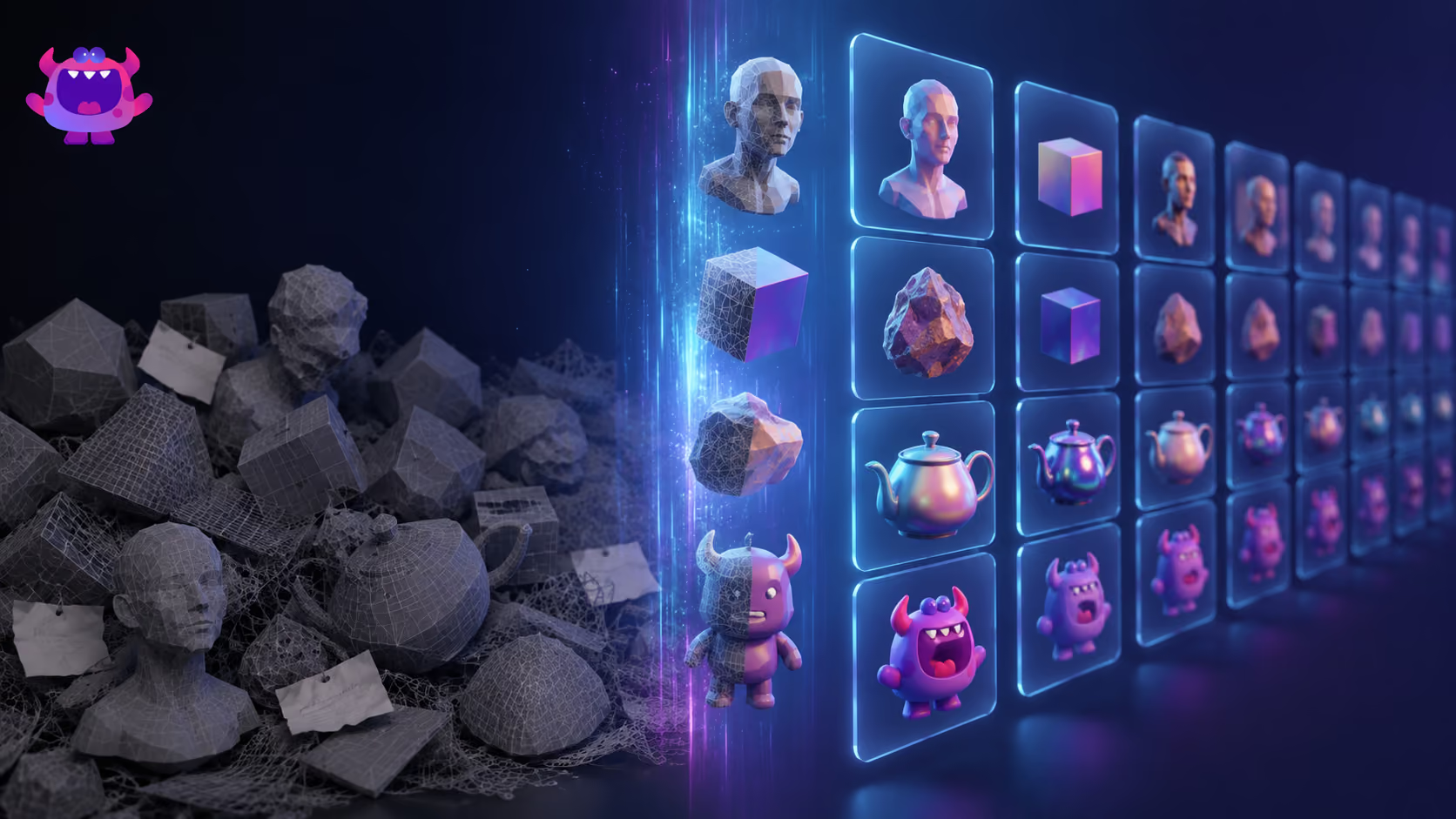
A studio we spoke to in May had more than 17TB of 3D assets built up across years of projects. They wanted to recycle from it — the work was finished, paid for, sitting right there. They could not. Finding out what any given file actually contained meant opening it, rendering it and reviewing it, one at a time. So in most cases they bought the asset again, or built it again from scratch. Seventeen terabytes of completed work, and the cheaper option was to ignore all of it.
Search time is the visible cost. Underneath it sits the wrong asset shipping in a build, the duplicated work nobody catches until week eleven, and the onboarding that takes three days because no one wrote down which folder is canonical.
A 3D digital asset management (DAM) tool is supposed to fix this. The category is crowded and most tools describe themselves from the inside out, starting with a feature list. This guide starts with the 17TB problem and works backwards to the criteria that matter.
Why 3D Libraries Collapse Without Structure
Most studios start the same way: a shared drive, a sensible folder structure, good intentions. Then a second artist joins. A contractor delivers in their own naming convention. Someone exports a new LOD and saves it beside the original. By month six the structure is archaeology.
Careless people are not the cause. 3D libraries have four properties that make unmanaged storage structurally dangerous:
- Format diversity. A single character might live as an .fbx source, a .glb for the web build, a .usdz for AR, and a stack of texture maps in .png and .exr. Generic file storage treats every one of those as an identical object.
- Iterative versioning. 3D assets are rarely finished. They are revised, re-rigged, re-textured and re-exported across a production cycle, and without explicit version tracking the newest file and the correct file drift apart.
- Opacity. You cannot see inside a .blend from a folder listing. That is the 17TB problem.
- Non-technical stakeholders. Producers, directors and marketing teams have to review and approve assets without opening a DCC tool. When they cannot, they either block the pipeline waiting on a render or they approve the wrong thing.
Four failure modes. The five criteria below are the questions that test for them.
For how this fits into the wider production cycle, the game asset workflows guide covers the end-to-end picture.
The Five Criteria That Actually Matter
1. Does it understand 3D formats natively?
Most tools sidestep this one. A DAM that treats an .fbx the same as a .pdf is not a 3D DAM; it is a file cabinet with a search bar.
Native support means the tool reads the geometry, pulls metadata out of the file itself, and renders a preview with no manual conversion step in between. Check it against the formats your pipeline actually uses: .fbx, .obj, .gltf/.glb, .usd/.usdz, DCC project files like .blend, engine formats like Unreal's .uasset, and HDR texture data in .exr and .hdr. Artstash previews 58 formats in the browser, and that is the number we would hold any competitor to.
The test: upload a rigged character. A thumbnail means the format is supported. A generic file icon means it is not.
2. How does it handle version control?
Version control for 3D is a different problem from version control for code. Files are large, binary and non-diffable. Code repositories handle them badly: binaries clog history, branching strategies designed for text do not map onto asset iteration, and your producer is never going to use a CLI.
What you need is narrower than a full VCS. A clear version history per asset, restore without overwriting the current file, and visibility into who changed what and when. The better tools read from the system your engineers already run — Artstash connects to Git, Perforce Helix Core and Diversion — so assets and code stay in step without a handoff step in the middle.
Insist on comments pinned to a specific version. Feedback attached to "the file" is feedback you will re-litigate in three weeks.
3. Can non-technical reviewers see what they are approving?
Most tools underweight this criterion and most studios feel it daily. When a producer cannot open a 3D preview in their browser, the review cycle breaks. They ask an artist for a screenshot, which blocks production, or they approve on the strength of a filename, which is worse.
Look for interactive orbit controls so reviewers can inspect geometry from every angle, lighting controls to check surface materials, and version comparison side by side. A tool that needs a plugin download or a DCC licence to show someone an asset has already failed.
4. What is the access model for your whole team?
A DAM that only works for technical users solves half the problem. The naming chaos exists precisely because everybody else cannot get into the library without friction.
| Role | What they need |
|---|---|
| Artists | Fast upload, version history, format preview |
| Producers | Browser-based review, approval workflow, search |
| Marketing / UA | Find approved assets by campaign or asset type |
| Engineers | API access or VCS integration, no manual steps |
Seat count is where this usually breaks. If a producer has to weigh up the budget before inviting a contractor for a two-week job, the contractor ends up working outside the library, and the shared drive comes straight back. Every Artstash plan includes unlimited users for exactly that reason.
5. Does the pricing model match how studios actually grow?
Here is our position: unlimited seats, with pricing that moves on storage and usage.
Per-seat pricing taxes the behaviour you bought the tool to encourage. Studios respond predictably — they pass one login around, or they keep the contractor on email. Either way the library stops being the single source of truth within a quarter.
Storage and usage scale with the work itself, so the bill tracks production volume rather than headcount, and nobody has to ask permission to invite somebody in. What does not work is a model that triggers a procurement conversation every time you add a contractor or open a second project.
The Question Most Studios Skip
There is a sixth question that never appears in a feature comparison and decides adoption anyway: does the tool require you to migrate?
Migration is where 3D DAM projects die. A studio with 17TB on a shared drive will not move all of it into a new system before that system has proved anything at all. Make full migration a precondition of the evaluation, and most teams abandon the evaluation.
The tools that stick sit on top of the storage you already have. Files stay where they are. The DAM adds the layer that was missing: metadata, search, previews, version history, access control. Artstash connects to Google Drive, Dropbox, Box and OneDrive alongside Git, Perforce Helix Core and Diversion, which is why the day-one test below is a fair thing to ask of us.
Test it explicitly during any trial. Connect your existing storage, and find something useful on day one, without moving a single file.
If you are mapping out which tool fits your setup, compare 3D asset management tools across the main options in the market.
What Good Looks Like in Practice
Run any candidate through this before committing:
- Upload an .fbx and a .glb. Do both render an interactive 3D preview in the browser, with no plugin?
- Upload the same file twice with changes. Is there a version history, and can you restore the previous version?
- Log in as a producer. Can they find, preview and approve an asset without asking an artist for help?
- Invite a contractor. What does the seat cost?
- Connect your existing cloud storage. Does the tool index your current files without a migration?
A workaround in a trial becomes a broken process in production. Note every one of them.
The honest benchmark: a well-chosen 3D DAM makes character_final_final_v2.fbx an impossible filename. Version history, authorship and approval status sit out in the open, so nobody has any reason to encode them into a filename again.
Where Artstash Fits
Artstash is built for game and video production studios managing 3D and 2D assets at scale. It sits on top of the storage you already use, previews 58 formats in the browser, pins comments to specific versions, and includes unlimited users on every plan.
We are not the right answer for everyone. If your library is small enough that one person can keep a folder structure honest, keep the folder structure and spend the money elsewhere. The tool earns its place when the library outgrows the person maintaining it — which, going by the studios we talk to, happens somewhere between the second project and the third.
If the 17TB problem sounded familiar, the fastest way to find out is to connect your storage and search it.
Find out if Artstash is right for you →
Frequently asked questions
What is a 3D digital asset management tool?
A 3D DAM is a system that indexes 3D and 2D production assets so a team can find, preview, version and approve them without opening a DCC application. It differs from generic file storage by reading 3D formats natively — rendering an interactive preview and extracting metadata from the file itself, rather than treating an .fbx as an opaque blob.
What file formats should a 3D DAM support?
At minimum, the formats in your pipeline: .fbx, .obj, .gltf/.glb, .usd/.usdz, DCC project files such as .blend, engine formats such as Unreal's .uasset, and HDR texture data in .exr and .hdr. Artstash previews 58 formats in the browser.
Do I have to migrate my files to use a 3D DAM?
No, and a tool that requires it should be treated with suspicion. The tools that get adopted connect to your existing storage and index files in place. Artstash connects to Google Drive, Dropbox, Box and OneDrive, plus Git, Perforce Helix Core and Diversion.
How should 3D DAM pricing work?
Unlimited seats, with pricing that scales on storage and usage. Per-seat pricing puts a cost on inviting contractors and reviewers, which is the exact behaviour the tool exists to enable. Every Artstash plan includes unlimited users.
Can non-technical team members use a 3D DAM?
They are the point. Producers, directors and marketing teams need browser-based preview and approval without a DCC licence. If a reviewer needs a plugin or a screenshot from an artist to sign anything off, the tool has failed its most important test.