Quick answer: To search across Google Drive, Dropbox and every other creative asset in one place, connect each source to a layer that indexes them together rather than migrating files into a new system. Artstash connects to Google Drive, Dropbox, Box, OneDrive, Perforce Helix Core, Git, Diversion and Anchorpoint, indexes assets across all of them, and returns results from a single query in plain English. Files stay exactly where they are — nothing is copied, moved or duplicated — and search works on what an asset actually contains rather than what someone named the file.
Why Do Creative Assets End Up Scattered Across Multiple Systems?
Because no single system was ever chosen. Each one was the right answer to a different problem, at a different time, for a different team.
Engineering picked Perforce or Git because they handle large binaries and branching. Art followed, because that is where the source files had to live. Marketing picked Google Drive because it is easy and everyone already had an account. Someone shared a campaign folder on Dropbox with an external agency and it stayed there. Then the company standardised on Microsoft 365, so OneDrive appeared too.
None of those decisions were wrong. They just were not coordinated, and the result is that a single campaign's assets now live in four places:
- Source art and production files in Perforce, Git or Diversion
- Approved exports and marketing masters in Google Drive
- Agency and partner deliverables in Dropbox or a shared Box folder
- Whatever was attached to an email or Slack thread and never filed anywhere
The cost is not storage. It is that nobody can see the whole library at once, so nobody knows what already exists.
What Is Wrong With Searching Each Tool Separately?
Three things, and they compound.
You have to know where to look before you can look. Searching four systems means deciding which one to try first, which means already having a theory about where the asset lives. If the theory is wrong, you conclude the asset does not exist.
Each system searches filenames, not content. Drive, Dropbox and Perforce all match on what a file is called. If the hero shot you need is Char_Boss_Final_v4_USE-THIS.png, no sensible search term will surface it. This is why teams end up asking a person instead of a tool — the artist who made it is the only working index.
Nobody searches four systems. In practice people check one, maybe two, and then remake the asset. That is the real cost: not time lost searching, but money spent producing something that already existed.
At the volumes UA teams now run, this is not a marginal problem. Mobvista's 2025 analysis of six million creatives found advertisers running an average of 123 active creatives per month, with 58% newly launched each month. A library that grows by seventy assets a month and cannot be searched as one thing becomes unusable within a year.
How Do You Search Across Google Drive and Dropbox at the Same Time?
By putting an index above them rather than moving files into a new home.
The migration approach — consolidating everything into one storage system — fails for a predictable reason: it requires every team to abandon a tool that works for them. Engineering will not leave Perforce. Marketing will not leave Drive. The migration stalls, and you end up with five systems instead of four.
The workable approach connects to each source and reads from it:
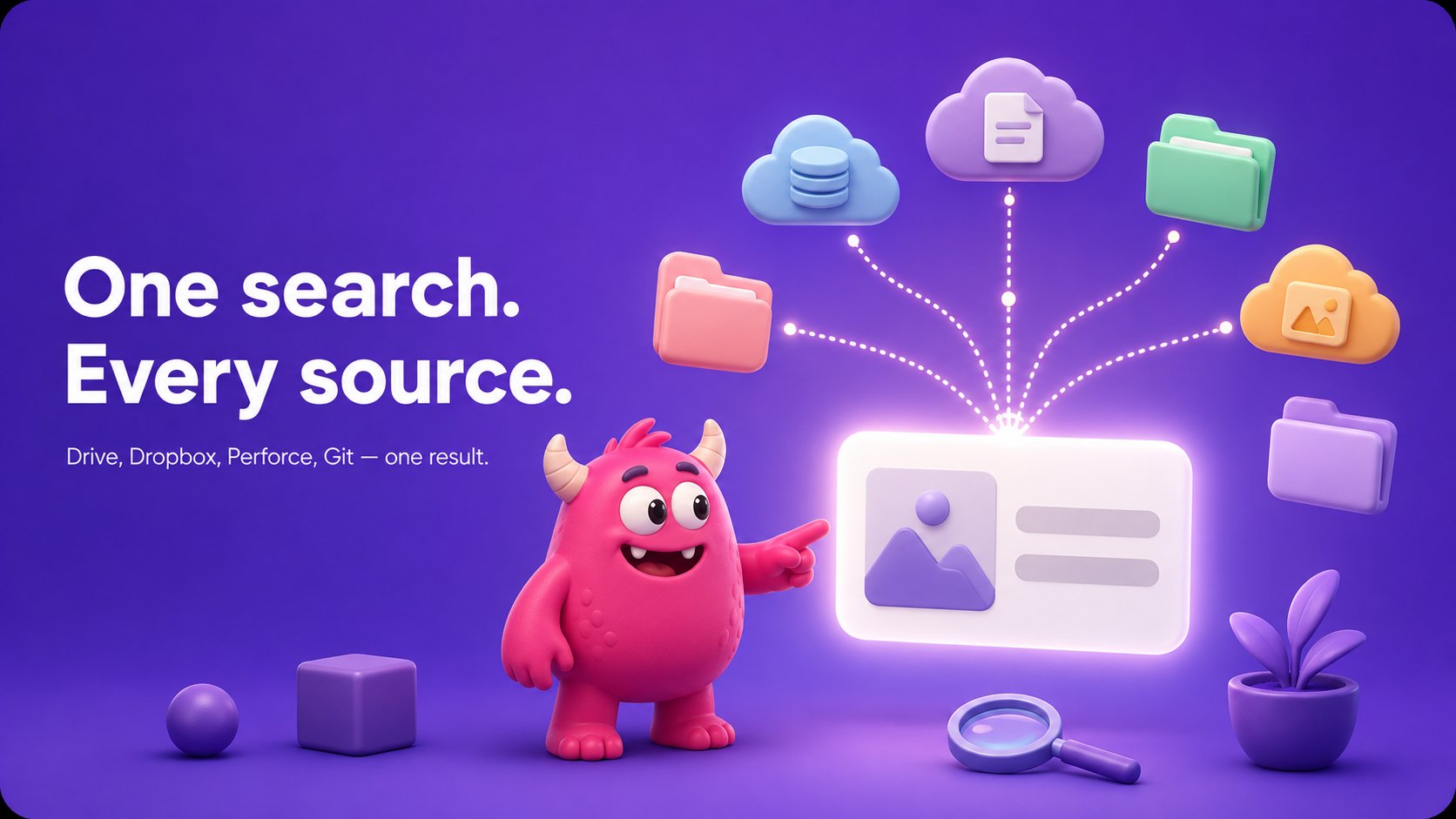
- Connect each system once. Google Drive, Dropbox, Box, OneDrive, Perforce Helix Core, Git, Diversion and Anchorpoint each connect with credentials you already have.
- Assets are indexed where they sit. Nothing is copied into a separate store. Your existing system stays the source of truth, keeps its permissions, and keeps its version history.
- One query covers everything. A search returns matches from every connected source at once, so nobody needs to know which system a file lives in to find it.
The practical test of any tool claiming this: ask whether files move. If assets have to be uploaded, imported or migrated, you are not searching across your systems — you are maintaining a fifth copy of everything, which is the problem again with extra steps.
Who Needs Search Across Multiple Asset Systems?
The pain is felt differently depending on where you sit.
Marketing and UA teams
Finding approved campaign assets, ad creative and brand files without asking a designer or digging through last quarter's folders. The specific need is searching by campaign, format and approval state rather than by filename — and being confident that what comes back is the approved version, not a work-in-progress export that looks similar.
Video and production teams
Locating clips, exports, project files and approved deliverables when production storage is split across a version control system, a shared drive and an agency's Dropbox. This group benefits most from in-browser preview, because confirming a candidate clip otherwise means downloading it.
Creative operations
Building one searchable system across assets, metadata and reuse. Creative ops gets the most from automatic tagging and deduplication, because both reduce the volume of near-identical files that make a library untrustworthy.
Agencies, freelancers and external partners
People who do not know your naming conventions and never will. They know the game and the campaign. Search that works on meaning rather than filenames is the difference between them being productive on day one and needing a week of hand-holding.
What Does It Mean to Search by What an Asset Contains?
Filename search asks you to remember. Content search asks you to describe.
The distinction matters most for the people who did not make the asset. A new marketer, a freelancer, or an agency partner does not know your naming conventions. They know the game, the campaign, or what the thing looks like. Filename search is useless to them on day one and only slightly less useless on day ninety.
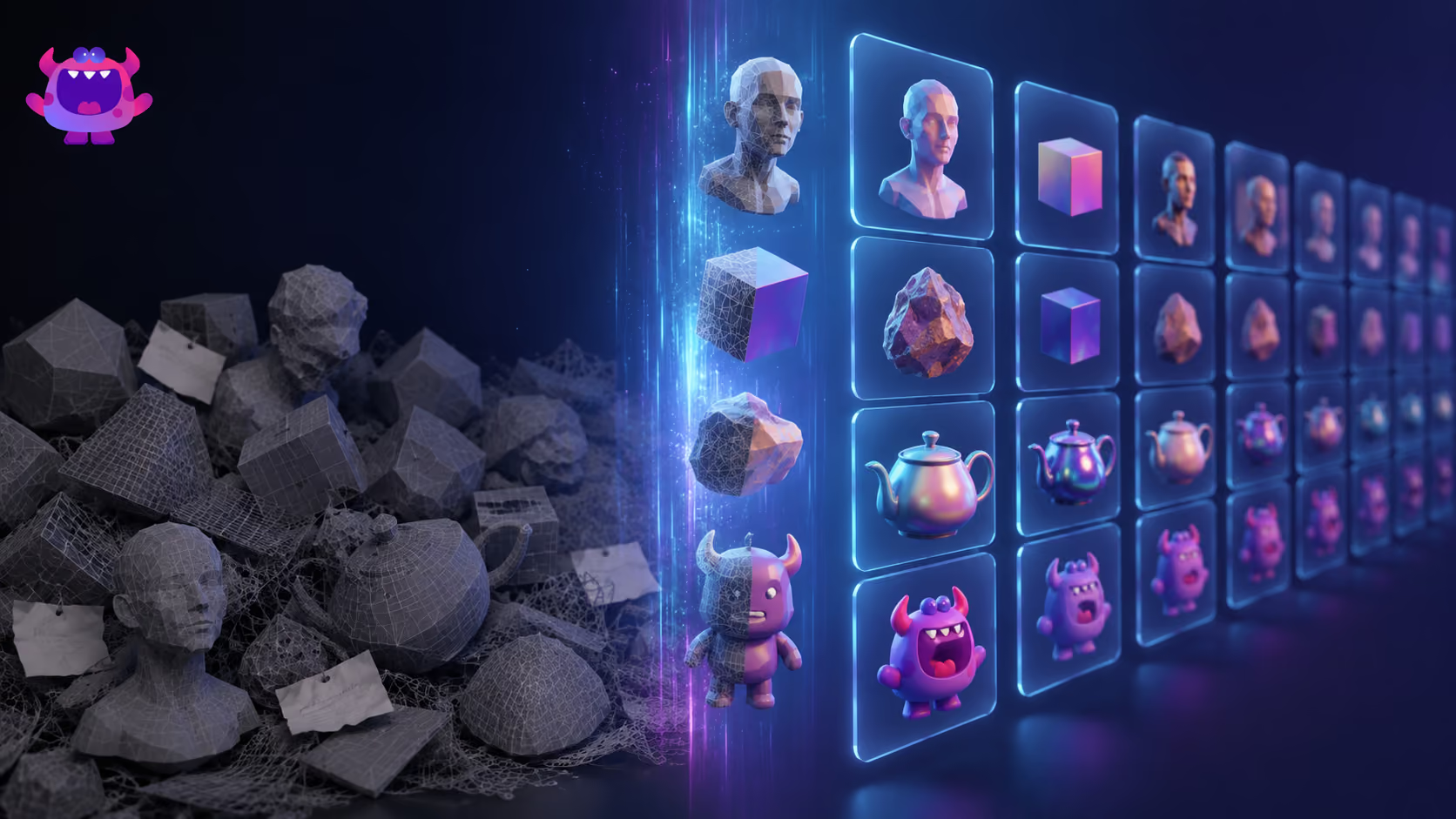
Search that reads content works differently. Artstash autotags assets automatically — raw and produced — and the Search Agent additionally reads your GDD, wiki and brand guidelines to learn your game's characters, locations and factions. That means a query like "the fire golem boss from the volcano level" resolves to the right file even when it is named Char_Monster_Golem_Lava_v1.glb.
Two consequences worth naming:
- Nobody has to maintain tags. Manual tagging schemes fail the same way every time — they work while one person is disciplined about them and decay the moment that person is busy or leaves.
- New people are productive immediately. They can search the way they think about the game rather than the way your folder structure evolved.
Duplicates are a search problem too
Scattered storage does not just hide assets. It multiplies them. The same export ends up in a Drive folder, a Dropbox share and an agency handover, each under a slightly different name, and none of them obviously the current one.
Artstash surfaces duplicate and near-duplicate files across connected sources, which does two things: it shrinks the library to what actually exists, and it removes the ambiguity that makes people distrust search results. A library where three near-identical files come back and nobody knows which is live is barely better than no library.
How Do You Find Reusable Assets From Past Campaigns?
This is the highest-value search a creative team runs, and the one most libraries answer worst.
A reusable asset is rarely findable by name. You are not looking for a filename — you are looking for a vertical video with the character in the snow environment, from the winter event, that we can recut. That is a description of contents, context and time, which filename search cannot represent at all.
Three things make past work findable:
Content-level indexing. What is actually in the asset — character, environment, format, duration — rather than what it was called on export day.
Coverage of every source. Old campaign assets are the most scattered of all, because they were produced under deadline and filed wherever was fastest. A search that misses Dropbox misses half of them.
Preview without downloading. Finding a candidate is only useful if you can confirm it in a second. Artstash previews 2D, 3D and video in the browser, so checking ten possibilities takes a minute rather than ten downloads.
The measure to watch is the percentage of assets reused. If it is near zero, the library is not a library — it is an archive nobody opens, and every campaign starts from scratch.
Why Does Asset Metadata Matter for AI Workflows?
There is a second reason to care about this that has nothing to do with humans.
AI tools are increasingly part of creative pipelines — generating variants, checking assets against brand rules, recommending what to reuse. Every one of them depends on being able to retrieve the right asset first. A file called render_v4_final_USE.png tells an automated system nothing at all.
Poor metadata does not only make assets hard for people to find. It makes them invisible to automation. An asset with no descriptive context cannot be retrieved by an agent, cannot be checked against a guideline, and cannot be surfaced as a reuse candidate. It effectively does not exist to any system except a human who remembers it.
A properly indexed library changes what is possible:
- Agents can retrieve assets by context rather than filename matching
- Automated checks can read approval state and version rather than guessing from a filename
- Reuse can be suggested rather than remembered
- The library becomes auditable — it is clear what exists and where
Artstash applies AI autotagging to build that descriptive layer automatically, which is what makes both human search and agent retrieval work on the same index.
What Should Multi-Source Asset Search Actually Do?
| Capability | Searching each tool separately | Single-index search |
|---|---|---|
| One query covers every source | No | Yes |
| Find an asset without knowing its filename | No | Yes |
| Requires manual tagging to stay useful | Yes | No |
| Files have to be migrated first | — | No |
| Surfaces duplicate and near-duplicate files | No | Yes |
| Preview 2D, 3D and video in browser | Partial | Yes |
| Retrievable by AI agents and automation | No | Yes |
| Usable by someone who joined last week | No | Yes |
| Surfaces reusable work from old campaigns | Rarely | Yes |
The row that matters most is the last one. Everything else is convenience; that one is money.
Frequently asked questions
How do you search across Google Drive and Dropbox in one place?
Connect both to a system that indexes them together rather than migrating files into a new store. Artstash connects to Google Drive, Dropbox, Box, OneDrive, Perforce Helix Core, Git, Diversion and Anchorpoint, and returns results from every connected source in a single query. Files are not copied or moved — your existing storage stays the source of truth.
Is Artstash a replacement for Google Drive or Dropbox?
No. Artstash is a search and organisation layer that sits on top of the storage you already use, not a replacement for it. Your files stay in Drive, Dropbox, Perforce or wherever they currently live, with existing permissions and version history intact. Artstash indexes them so they can be found, previewed and reused from one place.
Can you search assets by what they contain rather than by filename?
Yes. Artstash autotags assets automatically and indexes them on content, so a plain-English description finds the right file regardless of how it was named. The Search Agent also reads your GDD, wiki and brand guidelines, which lets it resolve queries phrased in your game's own terms — characters, locations and factions — rather than generic keywords.
What is semantic search for creative files?
Semantic search matches meaning rather than exact strings. Asking for "a flying dragon at sunset" returns assets that depict that, even when the file is named something unrelated. It replaces the need to either remember filenames or maintain a manual tagging scheme, both of which fail as libraries grow.
Can Artstash find duplicate assets across different storage systems?
Yes. Artstash surfaces duplicate and near-duplicate files across every connected source. This matters most where the same export has been copied between a shared drive, a Dropbox folder and an agency handover under different names — the situation that makes teams distrust search results and remake assets they already own.
How do you find reusable assets from past campaigns?
Search on what the asset contains and what campaign it belonged to, across every storage system at once, then confirm candidates through in-browser preview rather than downloading each one. Old campaign assets are the most scattered in any library, so coverage of every source matters more here than anywhere else.
Do files have to be migrated to search across systems?
No, and any tool requiring migration is solving a different problem. Artstash reads from your connected systems and leaves them as the source of truth. Nothing is imported into a separate store, so permissions, version history and existing workflows are unaffected.
Does searching across multiple systems work for 3D and video files?
Yes. Artstash indexes and previews 2D, 3D and video in the browser, so 3D models, textures, layered files and video are searchable and reviewable without opening a specialist application or downloading the file first.
Works Cited
- Mobvista / XMP, 2025 Global Mobile Gaming UA Trends & Strategy Report — analysis of six million ad creatives.
- Artstash, Search Agent and Pipeline Integrations — connected sources and capability detail.