Quick answer: Plastic SCM (now Unity Version Control) handles large binary files natively and is built with artists in mind; Git + LFS is free, flexible, and the developer standard, but bolts binary support on as an extension. Community reports flag Plastic's stability since the Unity acquisition, while Git LFS has known performance pitfalls, especially on Windows. Crucially, neither gives artists visual previews or in-context feedback — that layer comes from a DAM like Artstash syncing on top of whichever you choose.
Choosing a Version Control System (VCS) is one of the most consequential decisions a game studio will make. It’s the foundation for collaboration, the safety net for your project’s history, and a critical factor in your team’s day-to-day productivity. Game development, with its mix of massive binary files and interdisciplinary teams, places unique stress on any VCS.
Two titans dominate the conversation: Git, the open-source standard, augmented with Git LFS; and Plastic SCM, the commercial specialist now living under the Unity Version Control banner. While both can get the job done, their philosophies, strengths, and weaknesses are worlds apart. Let's take an honest look at the trade-offs and uncover the universal workflow gaps that persist regardless of your choice.
Git + Git LFS: The Flexible Powerhouse with a Learning Curve

Git is the world's most popular VCS for a reason. Its distributed model is incredibly powerful for code management, and its open-source nature gives it unparalleled flexibility and community support. For game development, its reliance on the Git Large File Storage (LFS) extension is non-negotiable.
Where Git Shines:
- Flexibility and Ecosystem: As the industry standard for code, Git has a massive ecosystem of tools, hosting providers (GitHub, Azure DevOps, GitLab), and community knowledge. Programmers are almost universally comfortable with it.
- Cost-Effectiveness: Git itself is free, and hosting can be very affordable. Azure DevOps, for instance, famously offers unlimited free LFS storage, making it a highly attractive option for indie studios managing large assets.
- Powerful Branching: Git's branching and merging capabilities are legendary, allowing for complex, parallel development workflows that are essential for managing code features.
The Real-World Challenges:
- The Artist Workflow Gap: Git was not designed for artists. Its command-line foundation and developer-centric desktop clients are often seen as unintuitive and frustrating for non-programmers. This creates a significant "usability gap" that requires technical artists or extensive training to bridge.
- Performance Bottlenecks: While LFS helps keep the core repository small, it has known performance issues. Operations on Windows systems can be dramatically slower than on macOS or Linux, with checkouts of many LFS files taking hours instead of minutes.
- The "LFS Apocalypse": Many teams have experienced the dreaded "LFS apocalypse," where switching branches results in endless errors about files that "should have been pointers but weren't". These issues can be severe enough to require a complete rewrite of the repository history, causing massive disruption.
Plastic SCM: The Purpose-Built Specialist with Its Own Quirks

Plastic SCM (now Unity Version Control) was engineered from the ground up to address the specific pain points of game development. It aims to be a seamless, all-in-one solution that understands the needs of a mixed creative and technical team.
Where Plastic SCM Excels:
- Native Binary Handling: This is Plastic’s killer feature. It handles large binary files "out of the box" without needing an extension like LFS. The performance is often described by users as "blazing fast" and "responsive" for the asset-heavy operations common in game dev.
- Artist-Centric Design: Plastic SCM is explicitly designed to offer a "best UX for your artists". Its graphical user interface (GUI), visual branching explorer, and straightforward workflows are intended to be intuitive for visual creators.
- Deep Game Engine Integration: As a Unity product, its integration with the Unity Editor is second to none. It also provides a robust, official plugin for Unreal Engine that brings version control tasks directly into the editor, a significant advantage over Git's weak native support.
The Real-World Challenges:
- The Stability Question: Despite its strengths, a significant portion of the community voices strong criticism about Plastic SCM's stability, especially since the Unity acquisition. Users frequently report it being "unstable," getting "stuck in loops," and requiring frequent restarts.
- A "Pain to Use": The promise of an artist-friendly UI doesn't always match reality. Many users find the interface "super unintuitive" and a "pain to use," citing a dozen subtle ways it can cause problems.
- Risk of Corruption: The most alarming community feedback involves reports of Plastic SCM "corrupting files" and "corrupting projects". While not necessarily widespread, the mere existence of such reports is a major concern for any studio.
The Universal Blind Spot: The Lack of a Visual Pipeline
After weighing the pros and cons, a deeper truth emerges. Despite their radically different approaches, both Git and Plastic SCM fail to address a critical need: robust, native visual asset preview and integrated collaborative feedback.
Neither system allows an artist, designer, or producer to easily browse, inspect, or compare versions of 3D models and 2D textures directly within the VCS client. To see their work, artists must resort to the time-consuming process of loading assets into an engine or DCC tool. Feedback happens in Slack, email, or other disconnected platforms, completely detached from the asset's version history.
This isn't a flaw in their ability to version files—it's a fundamental gap in their ability to support a creative workflow.
Artstash: The Essential Visual Layer for Your VCS
.webp)
This is precisely the gap Artstash was built to fill. Artstash is not a competitor to your VCS; it's the indispensable companion that makes it truly effective for the entire team. By syncing with your existing Git or Perforce repositories, Artstash provides the missing visual intelligence layer.
- For Git Users: Artstash eliminates the artist-unfriendliness by providing a beautiful, intuitive web interface to browse, preview, and comment on every visual asset in the repository. It abstracts away the command-line complexity, finally bridging the workflow gap between artists and programmers.
- For Plastic SCM Users: While Plastic has a better GUI, it still lacks in-browser accessibility and rich, contextual feedback tools. Artstash enhances the Plastic workflow by providing a centralized, web-based hub for visual review and collaboration that is accessible to anyone on the team, anywhere.
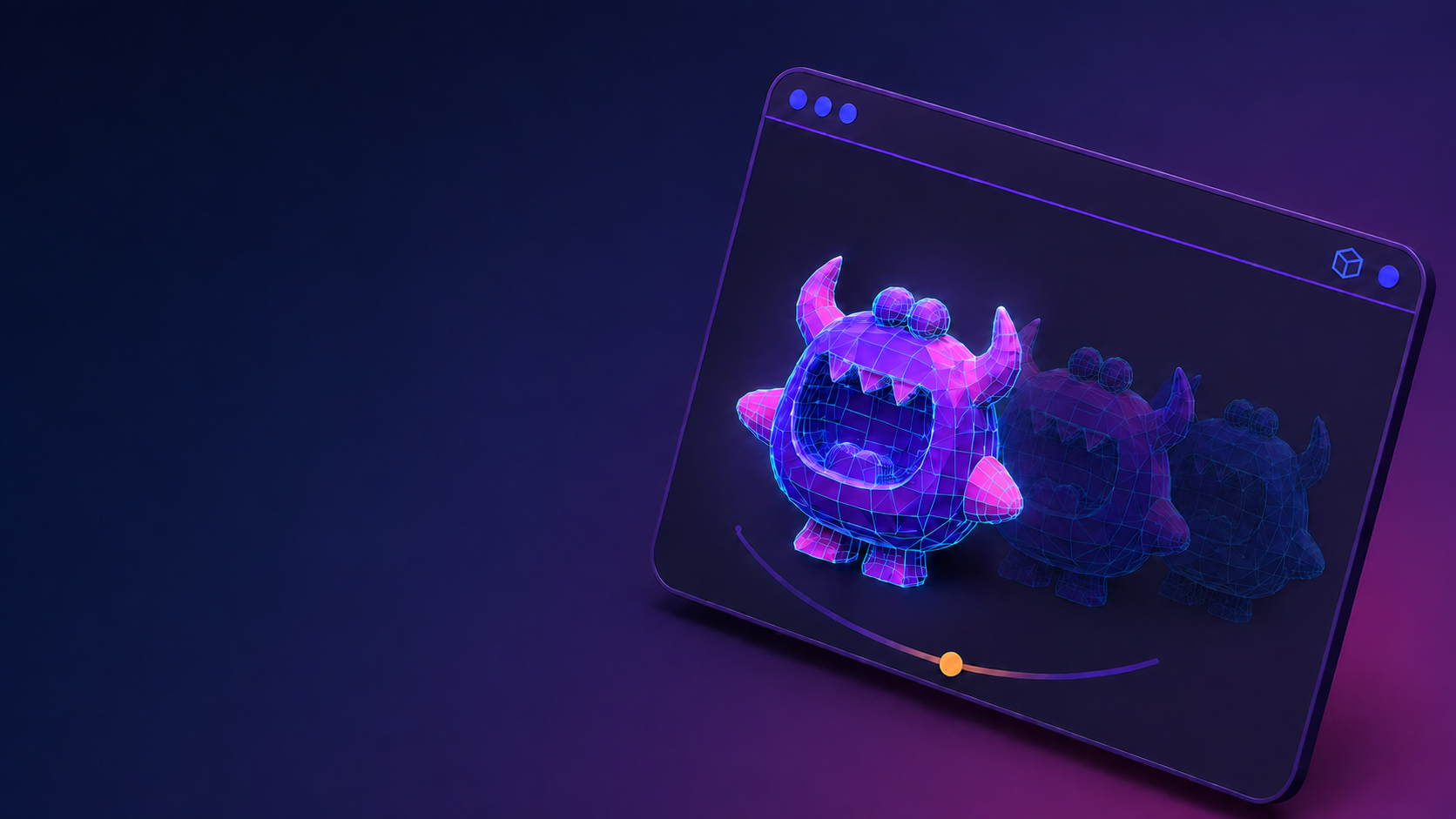
By providing instant 2D/3D previews, version comparisons, and threaded annotations directly on the assets, Artstash streamlines the creative iteration process. It turns a scattered, frustrating workflow into a clear, efficient, collaborative pipeline. And with lore-aware AI search, your team finds assets by meaning — not by memorizing filenames.
Conclusion: Choose Your Foundation, Then Build Your Visual Pipeline
The choice between Git and Plastic SCM involves a trade-off between open-source flexibility and purpose-built specialization. Git is a powerful, cost-effective choice for teams with strong technical expertise, while Plastic SCM offers a more integrated, out-of-the-box experience for artists, albeit with notable stability concerns.
However, the bigger takeaway is that your VCS is only the foundation. To build a truly modern and efficient game development pipeline, you must also solve the visual asset management problem. By adding a dedicated visual layer like Artstash, you empower your creative team, eliminate workflow friction, and ensure that your studio's most valuable assets are always visible, organized, and ready to be brought to life.
Frequently asked questions
Is Plastic SCM better than Git for game development?
Plastic SCM handles large binaries natively, offers file locking, and integrates deeply with Unity and Unreal — strong advantages for asset-heavy, artist-inclusive teams. Git + LFS is free, universally known by developers, and more flexible, but its binary handling is bolted on. Teams prioritizing artist workflow often lean Plastic; code-centric teams lean Git.
What happened to Plastic SCM?
Unity acquired Plastic SCM and rebranded it as Unity Version Control, now part of Unity DevOps. The core technology is the same, though some long-time users report stability regressions since the acquisition.
Does Git LFS work well for game assets?
It works, with caveats: configuration overhead, slower performance on Windows, and edge cases (the "LFS apocalypse") when switching branches with many tracked binaries. For moderate asset volumes it is entirely workable; heavy binary churn strains it.
Can artists preview assets inside Git or Plastic SCM?
No — neither offers meaningful 2D/3D previews or in-context feedback. Teams add a visual DAM layer like Artstash, which syncs with the repository and provides browser previews, AI tagging, review, and search for the whole team. Creative review is free to sign up and use, with Studio plans from $800 per month with unlimited users — see pricing.