The game industry has convinced itself that the hard part of AI-generated art is the generation. Get the prompt right, pick the right model, iterate until the concept looks good. Studios have poured energy into that problem and, largely, solved it. DALL-E, Midjourney, Stable Diffusion, and a growing list of specialized tools have made it easy to produce high-quality concept art, texture variants, character iterations, and environment sketches at a speed that would have seemed impossible three years ago.
But solving generation has created a different problem entirely, one that almost nobody is talking about.
What happens to the assets after they're made?
When a single artist can generate 50 concept variants in an afternoon, when a marketing team can spin up 200 localized ad creatives before lunch, when a UA team is A/B testing dozens of banner permutations simultaneously, the volume of assets in a studio's pipeline grows exponentially. And the infrastructure most studios have in place is built for a world where assets were slow and expensive to produce.
This is the AI art pipeline problem nobody is talking about: not the quality of what gets generated, but the chaos that follows.
The Numbers Behind the Flood
The scale of adoption is no longer speculative. Surveys from across the industry consistently show that the majority of game development teams are now using generative AI tools in some part of their production process, with estimates ranging from 60% to over 70% of studios having integrated tools like Midjourney or DALL-E into concept art and texture workflows. That figure climbs higher still when you include marketing and UA functions, where AI image generation has become a standard part of creative testing.
The output numbers are where things get uncomfortable. A traditional concept artist might produce 5 to 10 polished pieces per week. A generative workflow can produce that many in an hour, with each generation session potentially yielding hundreds of variants before a single one is approved.
Consider the math: if a team of five artists each runs two generation sessions per day, and each session produces 30 variants, that's 300 new image files entering the pipeline daily. Per week, that's 1,500 assets. Per month, over 6,000.
Now add the marketing creative team. Then the UA team, which may be generating localized versions of every asset across multiple regions, platforms, and audience segments. The numbers compound fast.
Studios shouldn't be asking, "How many assets can we generate?" They should be asking, "Where are our assets all going, and can anyone actually find them?"
Three Teams, One Crisis
The asset management problem manifests differently depending on where you sit in the studio, but the root cause is the same: generation speed has outpaced traditional organizational infrastructure. Here is what it looks like in practice across the three teams most affected.
Game Art Teams
For art directors and production leads, the immediate symptom is version chaos. When a concept artist generates 40 variants of a character design, only a handful will be shortlisted. But all 40 end up somewhere. A shared drive folder, a Slack message, a personal hard drive. Six weeks later, when the art director wants to revisit a discarded direction, nobody can find it.
The deeper problem is that AI-generated assets rarely arrive with meaningful metadata. A file named midjourney_upscaled_v3_final2.png tells you nothing about what it depicts, which project it belongs to, what style guide it follows, or why it was rejected. Multiply that across hundreds of sessions and you have a searchability problem that grows worse every day.
Marketing Creative Teams
Marketing teams have historically worked with a relatively contained set of assets: key art, trailers, a handful of store page variants. Generative AI has changed that model entirely. A single game launch now might require dozens of creative variants across different platforms, formats, and regional markets, all generated rapidly and all needing review, approval, and version tracking.
The result is that marketing creative leads are spending significant time not on creative decisions, but on asset archaeology. Finding the right version of the right asset, confirming it has been approved, checking whether a newer variant superseded it. This is a problem familiar to anyone who has tried to manage a game launch through Google Drive, and generative AI has made it considerably worse.
UA Teams
User acquisition teams operate at the highest volume of all. A UA manager running performance creative tests across multiple ad networks might be working with hundreds of banner and video variants simultaneously, each tweaked for audience segment, platform, aspect ratio, and regional market. Generative AI has made producing those variants trivially fast.
What it has not made easier is differentiating between variants, tracking which variant performed and which was pulled, and which assets fed into the ones that worked. Without a structured system, winning creative insights get lost in a sea of file filenames.
In summary:
- Art teams lose discarded concepts that later become relevant
- Marketing teams lose time hunting for approved versions across chaotic shared folders
- UA teams lose the ability to learn from their own creative history
The common thread: volume has become the enemy of discoverability.
Why the Old Fixes Don't Work
The instinctive response to asset chaos is to reach for existing tools: a shared drive, a naming convention nobody can follow, or yet another Slack channel. Studios have been managing digital assets for decades and have developed workarounds. The problem is that those workarounds were designed for a world where assets were scarce and expensive.
Naming conventions break down at volume. A well-intentioned folder structure works when a team produces 20 assets a week. It collapses when they produce 200. The cognitive overhead of correctly naming and categorizing every AI-generated variant is too high, so people stop doing it consistently. Within weeks, the system is as chaotic as the one it replaced.
Version control systems are not built for this. Git and Perforce are excellent at tracking code and approved final assets. They are not designed to manage hundreds of exploratory AI-generated images that may never make it into production. Committing every Midjourney variant to a Perforce depot is not a workflow; it is a storage bill and a search nightmare.
Generic cloud storage scales the problem, not the solution. Google Drive and Dropbox give teams somewhere to put files. They do not give teams the ability to visually browse, tag, filter by content type, or search by what an asset actually looks like. As asset volume grows, the folder structure becomes a labyrinth, and finding anything requires knowing exactly where you put it in the first place.
The real fix is infrastructure that was designed for the volume and variety of assets that AI generation produces: visual search, intelligent tagging, content-aware organisation, and a single source of truth that all three teams, art, marketing, and UA, can actually use.
What a Structured AI Asset Pipeline Actually Looks Like
Solving this problem is not about slowing down generation. It is about building the right layer of organisation around it. Studios that are getting this right share a few common characteristics.
Assets enter a central, searchable system immediately
Rather than ending up in a personal folder or a Slack thread, generated assets flow directly into a shared workspace where they can be visually browsed and tagged. The key word is "visually": when you are dealing with image and texture variants, a thumbnail grid is infinitely more useful than a filename list. Teams should be able to see what they have, not just read a list of file names.
Tagging happens at the point of generation, not retrospectively
The worst time to tag assets is weeks after they were created, when context has been lost. The best time is immediately, either manually at upload or automatically through content-aware tagging that can identify asset type, style, and project association without requiring the artist to fill in a form. This is where intelligent DAM tools earn their place: automated tagging at ingestion dramatically reduces the administrative burden on art teams and makes retrospective search actually work.
Approval status is tracked, not assumed
One of the most common failure modes in AI-heavy pipelines is uncertainty about which version of an asset is approved. Marketing teams end up using outdated variants. UA teams run ads with assets that were superseded. A structured pipeline makes approval status explicit and visible, so every team member can see at a glance whether an asset is in review, approved, or rejected.
The pipeline is shared across art, marketing, and UA
This is the point most studios miss. Art teams, marketing creative, and UA often operate in separate silos with separate storage systems. When the same character asset needs to flow from concept art into a store page banner and then into a UA test variant, the lack of a shared source of truth creates duplication, version drift, and wasted time. A single, well-structured DAM layer connects all three teams to the same assets, the same approval states, and the same history.
A modern game asset workflow does not need to be complicated. But it does need to be intentional, especially now that generation speed has removed the natural friction that used to keep asset volumes manageable.
The Opportunity Hidden in the Chaos
There is an argument to be made that the studios who solve this problem first will have a meaningful competitive advantage, not just operationally, but creatively.
When assets are discoverable, they get reused. A concept that was rejected for one project might be exactly right for a sequel, a spin-off, or a marketing campaign six months later. Studios with a well-organized asset library can draw on their entire creative history. Studios without one effectively start from scratch every time.
For UA teams, the stakes are even higher. Performance creative is iterative by nature: you test, you learn, you build on what worked. But that learning loop only functions if you can actually access and reference your previous creative. A UA team that cannot find its own best-performing assets from last quarter is not learning; it is repeating.
Studios treating asset management as an afterthought are not just inefficient. They are leaving creative capital on the table.
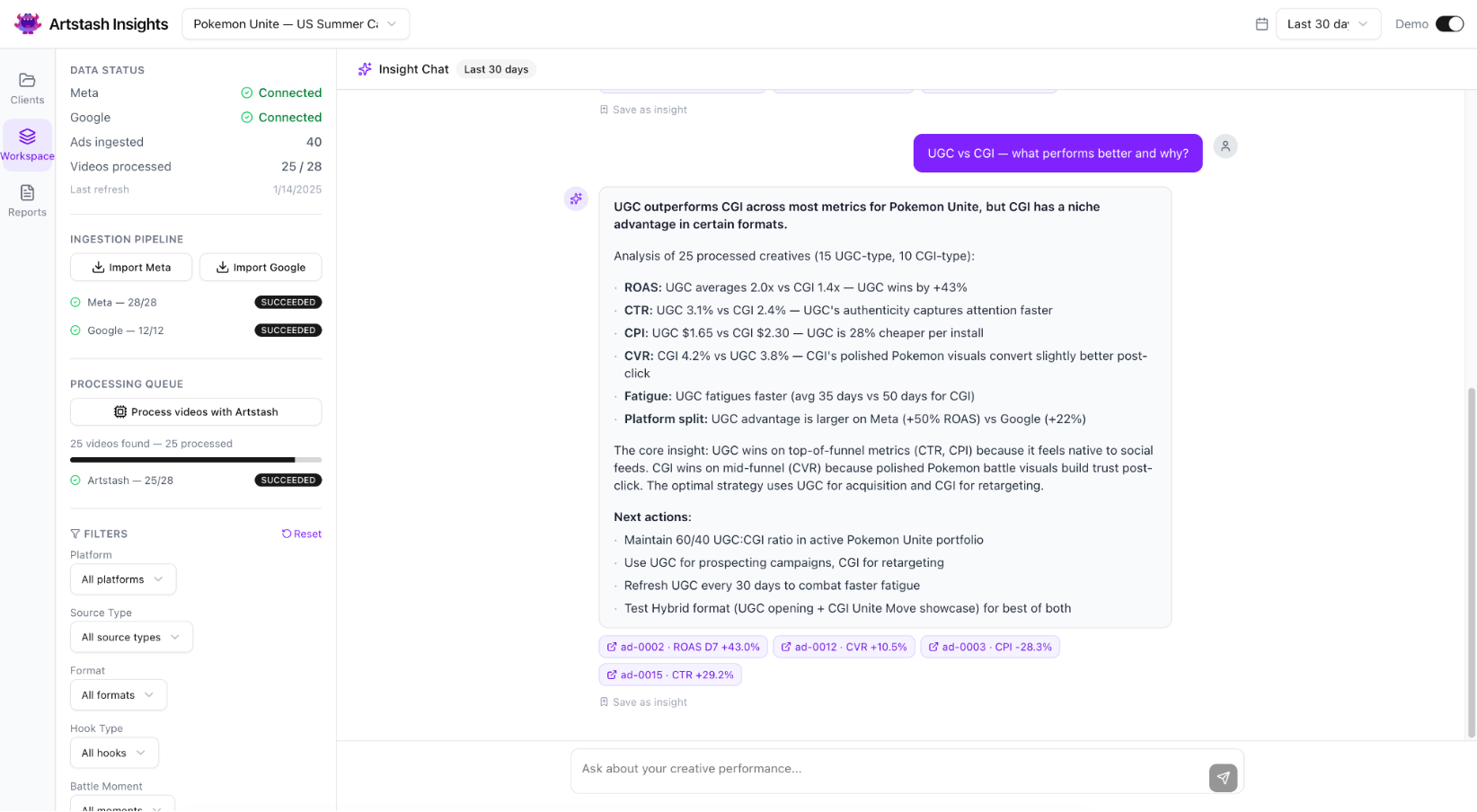
The good news is that the infrastructure to solve this already exists. Tools like Artstash are built specifically for the way game and video teams work, with visual browsing, intelligent search, and integrations that connect to the version control systems studios already use. The barrier is not technology. It is the assumption, still surprisingly common, that asset management is an admin problem rather than a creative and commercial one.
It is neither. It's a pipeline problem, and it is getting more acute every month that AI generation speeds continue to climb.
The studios that recognize this now, and build the infrastructure to match their generation capacity, will not just be more organized. They will be faster, smarter, and better positioned to get the most from the AI tools they are already paying for.