Manual quality control stops scaling somewhere around a few hundred assets. Past that point, teams face a choice: hire more reviewers, let quality slip, or automate the checks that don't need human judgment. Automated QC checks incoming assets against written guidelines for specs, naming, resolution, format, and style. It typically clears 60 to 80% of routine review work, leaving humans to judge only what machines flag or can't assess. Here's how it works and how to introduce it without disrupting production.
The QC bottleneck nobody budgets for
Every studio and ad team has guidelines. A style bible, a spec sheet, a naming convention doc, platform requirements for each ad network. And every studio has the same enforcement mechanism: a small number of senior people eyeballing everything.
That works at 50 assets a month. It collapses at 5,000. The symptoms are always the same.
An outsourcing drop arrives: 800 assets from an external art team. Your art lead spends three weeks checking them instead of doing art direction. A third bounce back for spec violations that were written down in the brief. Round-trips with the vendor eat another month.
Or on the ad side: your UA team ships 150 creative variants this month. Two go live with an outdated logo. One is 1080×1080 where the network wanted 1920×1080. Nobody caught it because nobody can watch 150 videos frame by frame every month.
The costs are real but scattered. Senior salaries spent on checkbox work, vendor round-trips, delayed launches, and the occasional public mistake. Because no line item says “manual QC,” nobody sees the total.
What can (and can't) be automated
The insight that makes QC scalable: most checks don't require human judgment.
Machine-checkable (the 60 to 80%)
- Technical specs: resolution, dimensions, file format, polygon count, texture size, bit depth, duration, frame rate
- Naming conventions and folder structure
- Required variants present (all sizes, all locales, all networks)
- Brand elements: correct logo version, approved fonts, safe-zone compliance
- Style rules that can be expressed as guidelines: color palette adherence, banned content, watermark presence
Human-required (the rest)
- “Does this feel like our game?”
- Narrative and tone judgment
- Aesthetic quality beyond rule compliance
- Final sign-off on hero assets
Automation isn't about removing humans from QC. It's about making sure the humans only look at things that need a human.
How auto-QC works in Artstash
Artstash's QC Agent, known in the product as Gatekeeper, checks assets against your guidelines automatically, as they arrive. It works the same whether they're synced from Perforce, dropped by a vendor, or produced by your ad team.
1. Encode your guidelines once. Specs, naming rules, required formats, brand rules. If it's in your style bible or platform spec sheet, it becomes a check.
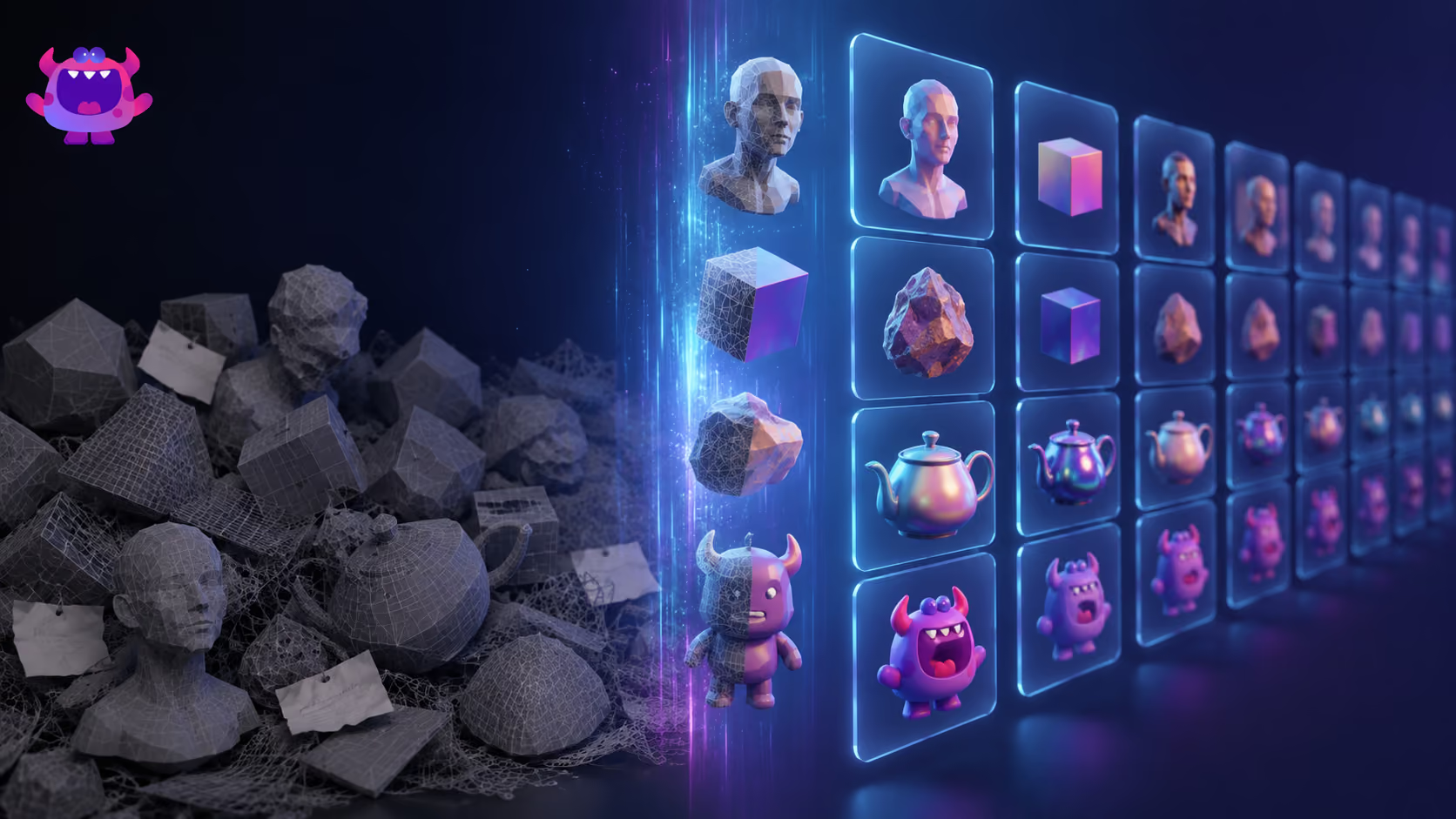
2. Every incoming asset is screened. Artstash's AI agents already understand your project, from your characters and environments to your art style, and autotag every raw and produced asset in 2D and 3D. That means Gatekeeper knows what each asset is and therefore which rules apply. A character model gets different checks than a TikTok end-card.
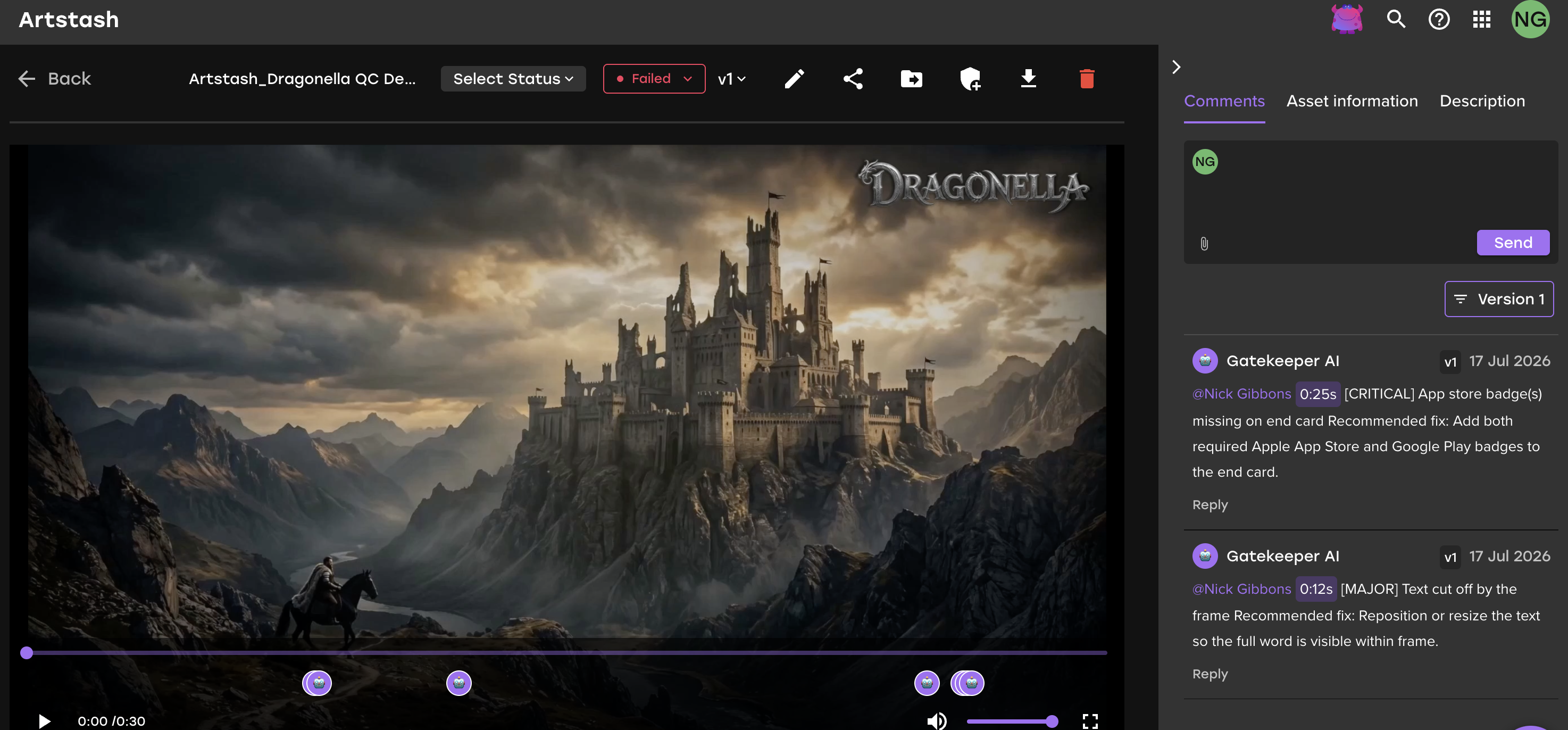
3. Violations get flagged, not buried. Your lead opens a queue of exceptions with the specific failed rule attached, not a folder of 800 files to inspect one by one. Gatekeeper's time-coded comments land directly on the asset, marked critical or major and tagged to the person who needs to fix them.
4. Feedback loops shorten. Vendors see objective, rule-based rejections immediately instead of waiting weeks for a subjective review round. Fewer round-trips, faster acceptance.
The result: review time concentrated on judgment calls, production timelines that don't stall on QC queues, and guidelines that are actually enforced rather than aspirational.
Introducing auto-QC without disrupting production
You don't need a big-bang rollout. The pattern we see work:
Week 1: shadow mode. Encode your top 10 rules, starting with pure tech specs because they're unambiguous. Run auto-QC alongside your normal manual process and compare. This builds trust and catches badly-written rules.
Week 2: gate one pipeline. Pick your highest-volume, lowest-risk stream, usually an outsourcing intake or ad-variant output. Auto-QC becomes the first gate; humans review only flagged assets and a random sample of passes.
Week 3 and beyond: expand rule coverage. Add naming, variant-completeness, and brand rules. Track two numbers: percentage of assets cleared without human touch, and vendor bounce rate. Both should move within a month.
What this looks like in practice
Picture a mid-size studio receiving monthly outsourced drops of around 1,000 assets, with two art leads each spending roughly a week per drop on QC. If automated checks clear even 70% cleanly, that's most of two senior-weeks returned to actual art direction, every month, before counting the faster vendor round-trips.
For UA teams, the math is about risk as much as time: one wrong-logo ad that runs for a weekend can cost more than a year of tooling.
Getting started
Creative Review in Artstash is free to sign up and use, and Artstash connects to the storage and version control you already run: Google Drive, Dropbox, Box, OneDrive, Git, Perforce, and Diversion. There's no migration project between you and your first automated check. Get started or see how syncing works.
Frequently asked questions
What is automated asset QC?
Automated asset QC is software that checks creative assets against written guidelines, covering technical specs, naming conventions, brand rules, and required variants, and flags violations without human review. Humans then review only flagged exceptions.
What percentage of QC can be automated?
Rule-based checks (specs, naming, formats, variant completeness, brand elements) typically cover 60 to 80% of routine review volume. Aesthetic and narrative judgment remains human.
What is Gatekeeper?
Gatekeeper is the in-product name for Artstash's QC Agent. It reviews every submitted asset against your brand guidelines and technical specs, then posts time-coded comments flagging anything critical or major before a human reviewer gets involved.
Does Artstash auto-QC work for 3D assets?
Yes. Artstash previews and tags 2D and 3D formats (FBX, OBJ, GLTF, PSD and more), and QC rules can include 3D-specific checks alongside 2D and video rules.
How much does automated QC cost?
Creative Review in Artstash is free to use. Automated QC runs on the AI allowance included in the paid plans, which start at $249 per month for Studio Lite. Studio is $799 per month and includes 25,000 AI-processed assets per month. Every plan has unlimited users. See pricing for details.