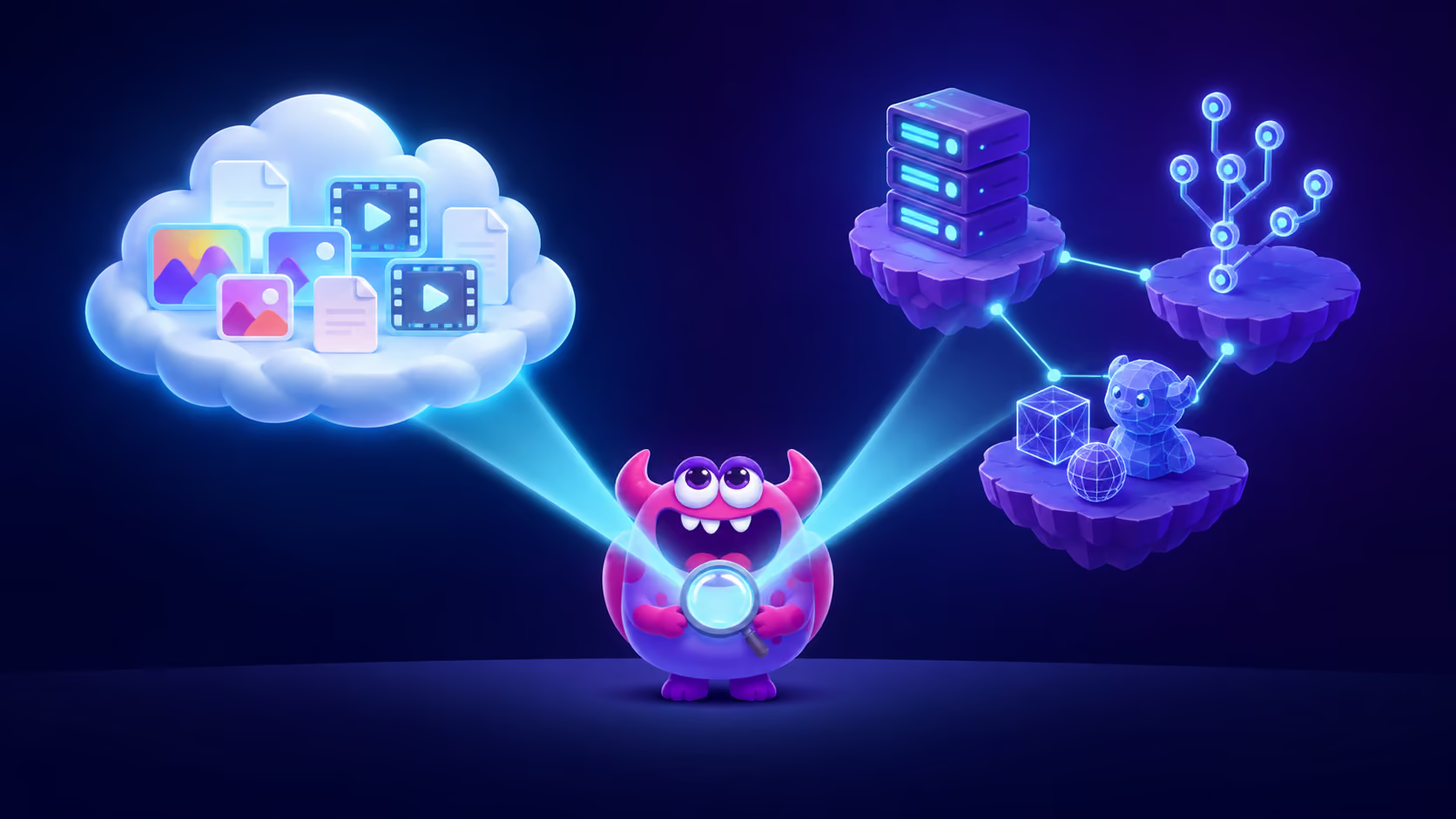
Artstash and Air solve the same visible problem — creative assets scattered across drives, unfindable by name — but they solve it in opposite ways. Air becomes your library: assets move into Air's cloud and it acts as the system of record, with strong AI editing built in. Artstash indexes your library where it already lives — on top of Google Drive, Dropbox, Box, OneDrive, Git, Perforce Helix Core and Diversion — and adds search, previews and review without moving files.
The fastest way to decide: does your team live in the cloud, or does it live in version control? That single question settles most evaluations before the feature lists do. This comparison is honest about both: Air is a genuinely good product, and for some teams it is the better choice.
In this comparison:
- What is the difference between Artstash and Air?
- Artstash vs Air: side-by-side
- When is Air the better choice?
- When is Artstash the better choice?
- Can you use both?
- How does pricing compare?
- Frequently asked questions
What is the difference between Artstash and Air?
The fundamental difference is the storage model, and everything else follows from it.
Air is a creative operations platform where your assets live inside Air. You upload or sync content in, and Air becomes the workspace: visual boards, conversational search, review and approvals, share links, and — its standout — Canvas, an AI editing workspace that resizes, generates variations and edits the assets already in your library. It integrates with Drive, Dropbox, Box, SharePoint, Figma and Canva to pull content in, includes unlimited seats on every plan.
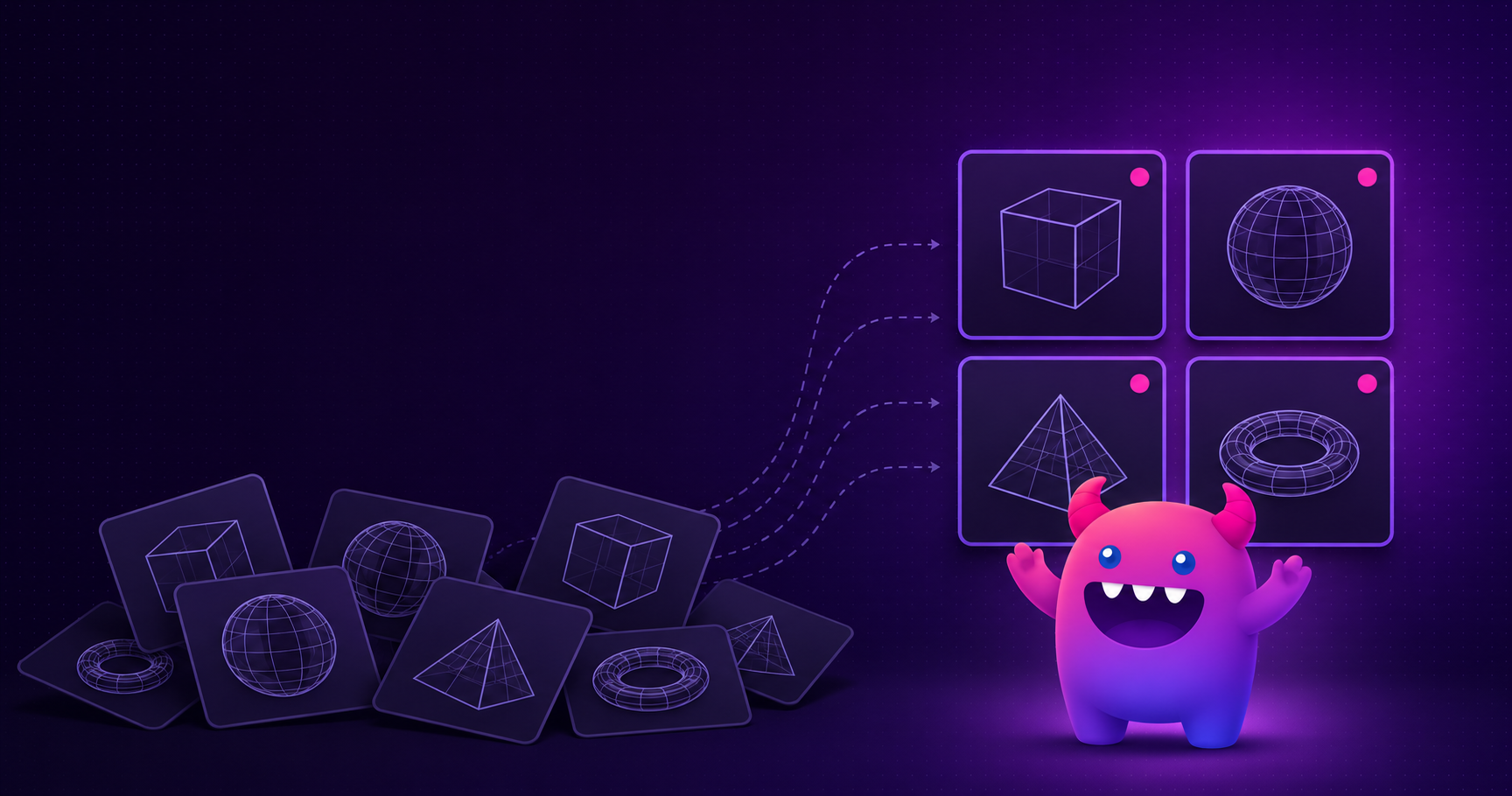
Artstash is a DAM layer that sits on top of the storage and version control your team already uses. Files stay in Perforce, Git, Diversion, Drive, Dropbox, Box or OneDrive; Artstash indexes them in place and adds content-based AI search, in-browser previews of 58 formats including 3D and engine files, version-pinned review workflows and automated QC. There is no migration and no cutover: if you disconnect it, your files are exactly where they always were.
Artstash vs Air: side-by-side
| Dimension | Air | Artstash |
|---|---|---|
| Storage model | Assets live in Air's cloud; Air is the system of record | Assets stay in your existing storage and version control; Artstash indexes in place |
| Version control | Version stacking within Air; no published Perforce, Git or Diversion connectors | Connects to Perforce Helix Core, Git (GitHub, Azure DevOps) and Diversion |
| File formats | Images, video, design files, documents | 58 formats in-browser: 18 image, 18 video, 20 3D (FBX, OBJ, GLTF, .blend), plus PDF and Unreal .uasset |
| AI capabilities | Conversational search, auto-tagging, Canvas AI editing and generation (50+ models) | Content-based search, auto-tagging, automated QC against brand guidelines, search trained on your game's lore and GDD |
| Review | Comments, timestamp video comments, approvals, share links | Version-pinned comments, three-stage statuses, share links with per-link download, watermark and revocation controls |
| Users | Unlimited on every plan | Unlimited on every plan |
| Pricing model | Monthly credit allowance covering storage and AI together; credits do not roll over | Flat platform fee per tier based on pooled storage and AI allowance; monthly or annual billing, annual saves 10% |
| Best fit | Marketing and creative-ops teams that want one polished home for brand content plus AI editing | Game and video teams whose source of truth is version control or existing cloud storage |
When is Air the better choice?
Air is the stronger pick when your team's work is marketing and brand content, and when generating and editing variations matters as much as organising them.
Three things Air does that Artstash does not try to do: Canvas lets you resize, background-remove and generate variations of approved assets with AI inside the library itself, which collapses a whole layer of production work for social and e-commerce teams. Its onboarding and day-one usability are excellent for non-technical teams — it feels like a consumer product. And its board-based organisation maps naturally to how marketing teams think about campaigns.
If your assets are JPGs, PNGs, videos and Figma exports, nothing in your pipeline lives in version control, and you want creation and management in one tool — Air is a very reasonable choice, and comparing it against a game-focused DAM would be the wrong frame.
When is Artstash the better choice?
Artstash wins when your assets — or the team that makes them — live in a production pipeline.
If your source of truth is Perforce, Git or Diversion, Air has no way to see it. Artstash indexes those repositories directly, so producers, marketers and external reviewers can browse, search and approve versioned game assets without a P4V licence or a checkout. The pipeline stays untouched.
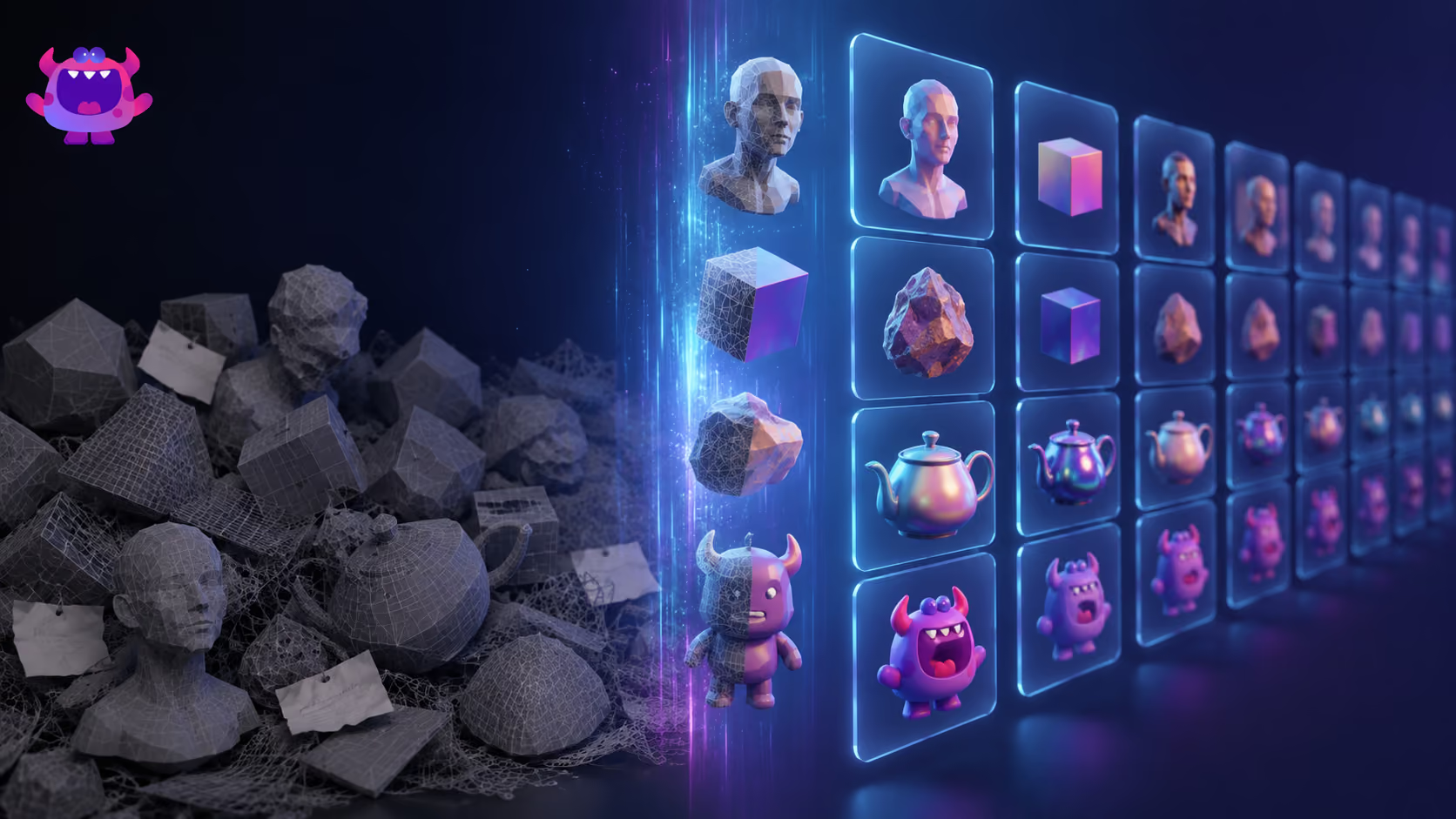
If your files are 3D — FBX, OBJ, GLTF, .blend, or Unreal .uasset — Artstash renders them in the browser. A general-purpose creative platform treats these as opaque binaries; for a game studio they are most of the library. See the full supported formats list.
If migration is the blocker, indexing in place removes it. Moving a studio's asset history into a new cloud is a project measured in months, with broken pipeline references and a hard cutover. Connecting Artstash is measured in hours, and there is a clean exit: disconnect, and nothing has moved. Our guide to AI asset management covers why this matters in more depth.
If search needs to understand your world, the Artstash Search Agent trains on your design documentation and lore, so a search for a named character or faction returns the right asset even if nobody ever tagged it.
And where Artstash has limits: if you want in-platform generative editing — resizing, background removal, AI variation generation inside the library itself — that is Air's Canvas, and Artstash does not try to compete with it. Artstash's AI is aimed at search, tagging and QC rather than creation. A team with no version control and no 3D formats will find fewer reasons to pick Artstash over a marketing-oriented platform.
Can you use both?
Yes, and some organisations sensibly will. A publisher's brand and marketing team might run Air for campaign content while the development side runs Artstash over Perforce and engine assets. The two systems don't compete for the same files: one owns marketing deliverables, the other makes the production pipeline visible. The overlap to avoid is paying both to manage the same library — pick a system of record per asset type.
How does pricing compare?
Both platforms include unlimited users on every plan, which sets them apart from per-seat DAMs — neither taxes you for adding reviewers or clients.
The difference is the billing mechanics. Air uses a monthly credit allowance that covers storage, image editing and video generation from one pool; heavier AI use consumes the same credits as storage, and unused credits do not roll over. Artstash charges a flat platform fee per tier — Studio Lite at $249/mo, Studio at $799/mo, Studio Plus at $2,499/mo — with pooled storage and a defined monthly AI allowance, $8 per 1,000 assets beyond it, and an optional spend cap. You can pay monthly or annually; annual billing saves 10%.
Practical difference: Air's model flexes well when your AI usage swings month to month; Artstash's model is easier to budget when a finance team wants one predictable number. See the full plan comparison for tier details.
Frequently asked questions
What is the main difference between Artstash and Air?
The storage model. Air is the system of record: your assets live in Air's cloud and it becomes your library. Artstash indexes assets in place on top of the storage and version control you already use — Google Drive, Dropbox, Box, OneDrive, Git, Perforce Helix Core and Diversion — so files never move.
Does Air work with Perforce or Git?
Air's published integrations cover cloud storage (Drive, Dropbox, Box, SharePoint), design tools (Figma, Canva), Adobe Premiere, Slack and automation platforms. It does not list connectors for game version control such as Perforce Helix Core, Git or Diversion. Artstash connects to all three and indexes their contents in place.
Can Air preview 3D and game engine files?
Air is built around images, video, design files and documents. Artstash previews 58 formats in-browser including 20 3D formats — FBX, OBJ, GLTF, GLB, STL, .blend — plus Unreal Engine .uasset, which most general-purpose platforms cannot render.
Is Air or Artstash cheaper?
They price differently rather than one being cheaper. Both include unlimited users. Air bills through a monthly credit allowance that covers storage and AI actions together, and unused credits do not roll over. Artstash charges a flat platform fee per tier — Studio Lite $249/mo, Studio $799/mo, Studio Plus $2,499/mo — based on pooled storage and a set AI allowance, payable monthly or annually with a 10% annual discount.
When is Air the better choice?
When you are a marketing or creative operations team that wants one polished home for brand assets and wants to generate and edit variations with AI in the same tool. Air's Canvas editing workspace and conversational search are genuinely strong, and its onboarding is fast for non-technical teams.
When is Artstash the better choice?
When you are a game or video team whose source of truth is version control or existing cloud storage. Artstash adds visual search, browser previews of engine formats, review workflows and AI tagging on top of Perforce, Git, Diversion and your cloud drives without migrating a single file.
Air feature and pricing-model details in this comparison are drawn from air.inc as of August 2026. If you spot something out of date, tell us and we'll correct it.