AI asset management is the practice of using artificial intelligence to organise, search, and govern creative files across the storage systems a team already uses, without requiring those files to be moved or re-tagged by hand.
For distributed creative teams, the problem is rarely a shortage of storage. It is a shortage of visibility. Files live across Google Drive, Dropbox, Box, OneDrive, and shared repositories. Nobody agrees on a folder structure. Search returns filenames, not content. Approvals happen in email threads that nobody can find six months later.
AI asset management addresses each of these problems at the infrastructure level, sitting on top of existing storage rather than replacing it. The result is a searchable, governed creative library that reflects where your files actually live, not where a migration project planned to put them.
What is AI asset management?
AI asset management is a system that uses machine learning to automatically analyse, tag, and surface creative files based on their visual and contextual content, rather than relying on the names or folder paths a team happened to use when saving them.
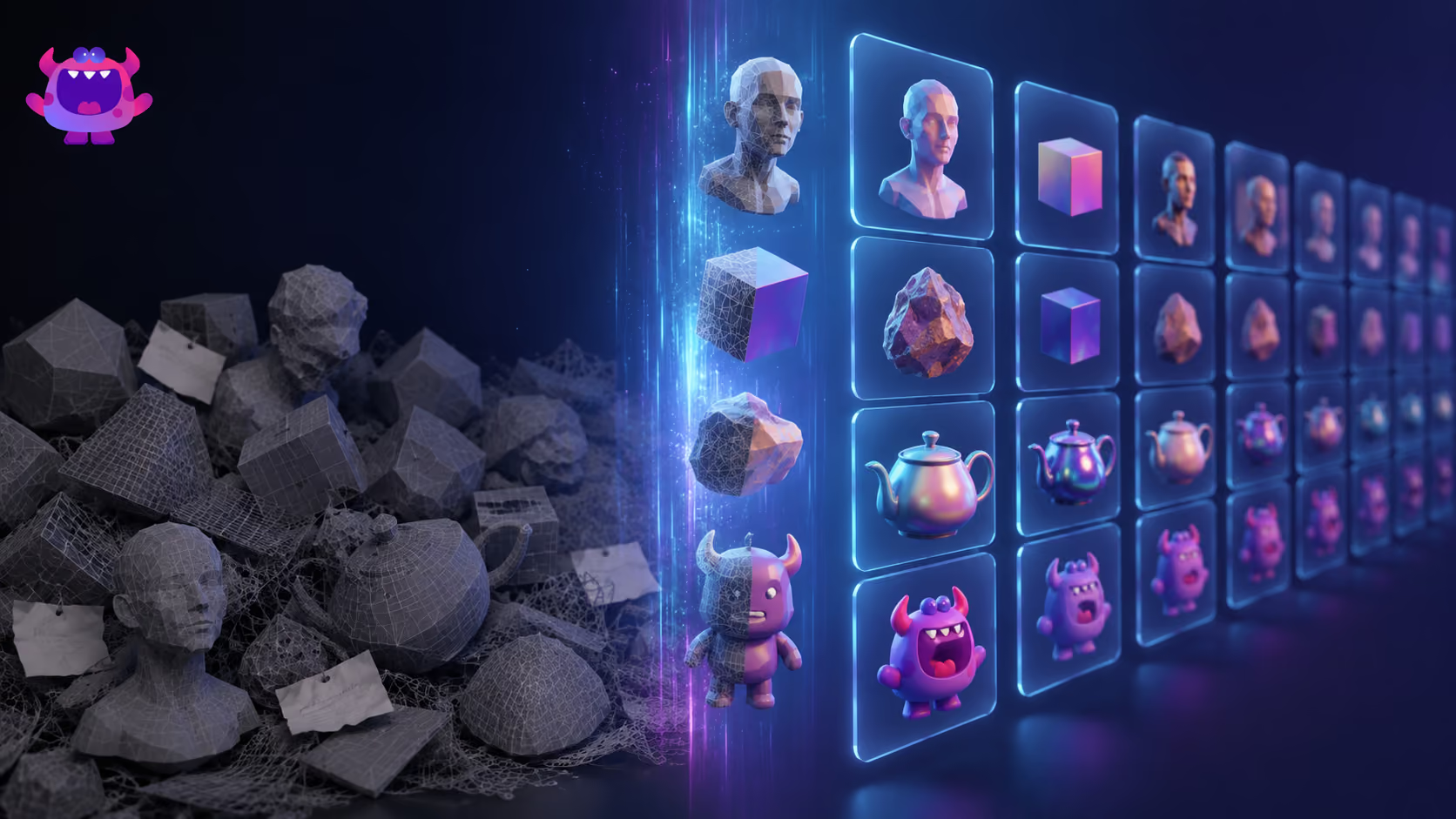
Traditional asset libraries depend on human metadata: someone has to open a file, type a description, assign tags, and save it in the right place before it becomes findable. AI asset management inverts this. The system reads the content of each file, generating searchable metadata automatically, so that a designer who saved a banner as final_v3_USE_THIS.psd is still discoverable when a colleague searches "blue background product shot Q3."
What AI actually does in an asset management context
The AI layer typically handles three things:
- Content analysis: Reading the visual or structural content of a file (colours, subjects, composition, text within images) and generating descriptive tags without human input.
- Semantic search: Allowing users to query the library in plain language rather than exact filenames or pre-defined tag values.
- Workflow intelligence: Surfacing relevant assets at the right moment in a review or approval process, and flagging version conflicts or duplicate files.
Where most AI tagging falls down: generic models handle common visual vocabulary well - product shots, lifestyle photography, standard motion graphics - but they do not know your proprietary terminology. A model that has never seen your world will not tag a character, faction, or location by name. This is the biggest limitation of off-the-shelf AI tagging, and it is why many teams still fall back on manual tagging for exactly the terms that carry the most meaning.
Artstash closes that gap by training on your own source material. The Artstash Search Agent learns your world from your design documentation and wiki, so search and tagging understand IP-specific names and terminology rather than generic visual descriptors. You can search for a named character, faction, or location and get the right asset back without anyone having tagged it by hand.
The practical outcome is that a distributed creative team can search an asset library the same way they search the internet: by describing what they need, not by remembering what it was called.
How is AI asset management different from traditional DAM?
A traditional digital asset management (DAM) system requires files to be migrated into a centralised repository, manually tagged, and maintained by a dedicated administrator. An AI asset management platform indexes files where they already live and generates metadata automatically, removing the migration and manual tagging burden.
The distinction matters most for distributed creative teams who have years of files spread across multiple cloud drives and repositories. A traditional DAM asks them to move everything into a new system before it becomes useful. An AI DAM starts being useful on day one, against the files that already exist.
The table below compares the two approaches across the dimensions that matter most to creative operations teams.
| Dimension | Traditional DAM | AI Asset Management |
|---|---|---|
| Asset location | Files must be migrated into the DAM's own storage | Files stay in existing storage; the platform indexes in place |
| Search model | Keyword and tag matching; returns what matches the label | Semantic search; returns what matches the intent |
| Metadata dependency | High; library quality degrades without consistent human tagging | Lower; AI generates a baseline; humans enrich where needed |
| Collaboration | Comments and approvals typically tied to the DAM interface | Version-pinned comments and status tracking across distributed storage |
| Access control | Role-based permissions within the DAM silo | Per-link share controls with full link visibility and revocation |
| Versioning relationship | DAM manages its own version history, separate from source control | Connects to existing version control (Git, Perforce); does not replace it |
| Creative-tool fit | Strong for image and video; often limited for 3D, code, or specialist formats | Browser previews across image, video, 3D, and PDF assets |
| Best-fit use case | Centralised teams with a single storage system and a dedicated DAM administrator | Distributed creative teams with files across multiple platforms and no appetite for migration |
Neither model is universally superior. Traditional DAM remains a reasonable choice for organisations with a single, tightly controlled storage environment and the administrative resource to maintain it. AI asset management earns its place when the team is distributed, the storage is fragmented, and the cost of migration or ongoing manual tagging is prohibitive.
How do I centralise assets without moving them?
You centralise access and discoverability without centralising the files themselves by connecting an AI asset management platform to each of your existing storage sources, so the platform indexes and searches across all of them from a single interface.
This is the core architectural difference that makes AI asset management viable for distributed teams. Migration is the thing that kills most DAM rollouts before they deliver value. A migration requires freezing active work while files are transferred, retraining everyone on new folder paths, updating every pipeline reference and shared link that pointed to the old location, and trusting that nothing was lost or corrupted in transit. Then there is a cutover date: a moment where the old system is switched off and the new one has to work. If it does not, the team has nowhere to go.
Indexing in place removes all of that. There is no cutover date, no freeze period, and no moment of irreversible commitment. If the platform does not work out, the files never moved, so there is nothing to undo. You connect your sources and the platform reads them in place. Files remain exactly where they are, governed by the same permissions and retention policies already in place on each storage system.
What storage systems can be connected?
Artstash connects to the following storage and version control systems:
- Cloud storage: Google Drive, Dropbox, Box, OneDrive
- Git repositories: GitHub, Azure DevOps
- Version control systems: Perforce Helix Core, Diversion
Setup guides: Google Drive, Box, OneDrive, Dropbox, Perforce Helix Core, Git and Diversion.
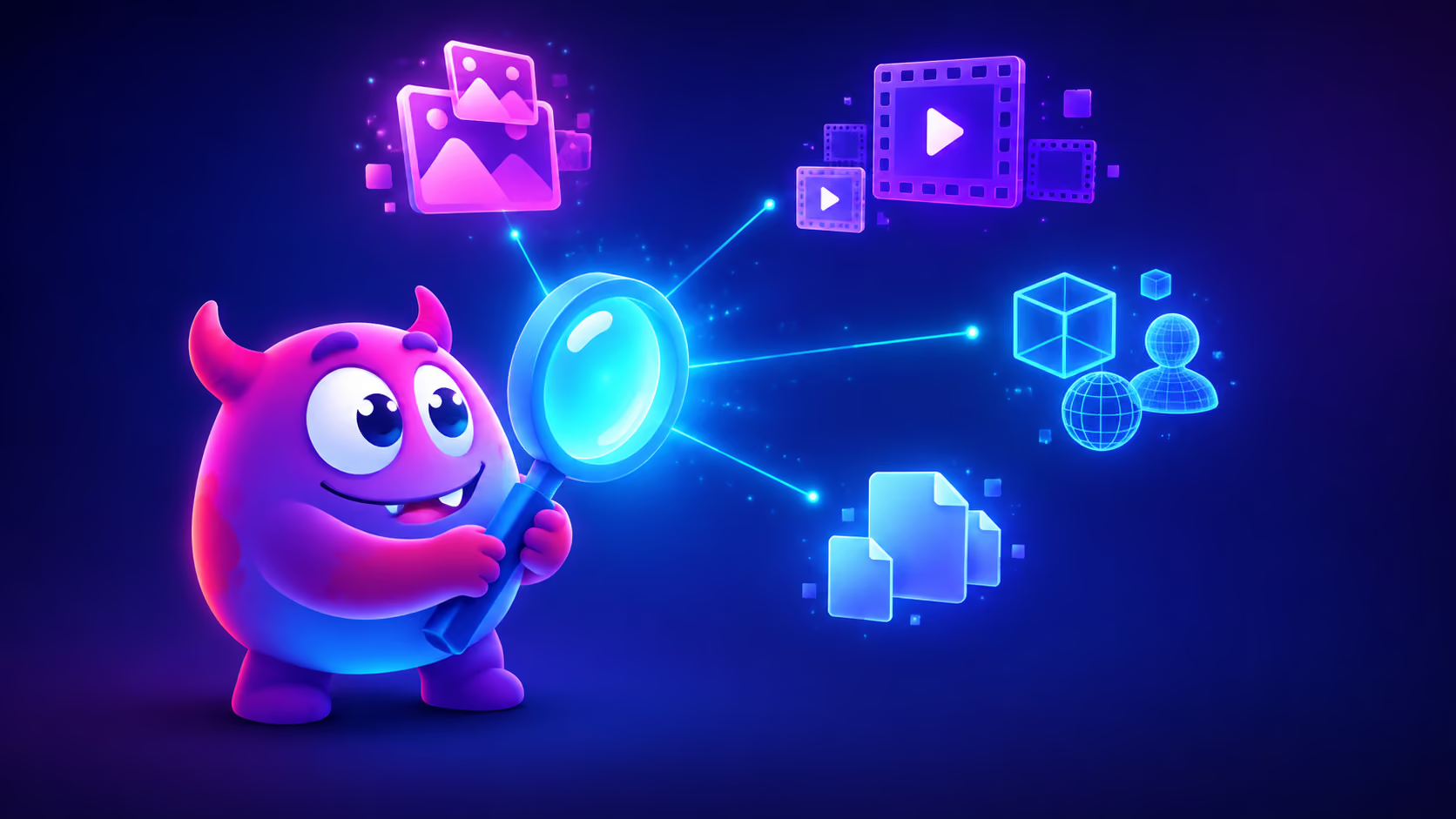
Once connected, assets from all of these sources appear in a single searchable index. A creative director can search across a campaign folder in Google Drive, a brand asset library in Box, and a source repository in GitHub simultaneously, without switching between tools or knowing in advance where a file was saved.
The files never move. Artstash indexes assets in place. If a file is updated in Dropbox, the index reflects that update. If a file is deleted from the source, it is no longer surfaced. The platform is a layer of intelligence on top of your storage, not a replacement for it.
What does an asset workflow look like for a distributed creative team?
A well-structured asset workflow for a distributed creative team moves each file through a defined set of statuses, with version-pinned feedback at each stage, so that everyone knows the current state of a piece of work without chasing updates in Slack or email.
The status lifecycle
A practical workflow maps to three statuses:
- In Progress - The file is being worked on. Visible in the library but not yet submitted for review.
- Needs Review - The creator has marked the asset ready for feedback. Reviewers are notified and can leave comments pinned to a specific version, so feedback is never ambiguous about which iteration it refers to.
- Approved - The asset has passed review and is cleared for use. Status is visible to the whole team, removing the need to ask "is this the final version?"
Why version-pinned comments matter
The most common breakdown in distributed creative review is feedback that refers to "the file I sent yesterday" without specifying which version. Version-pinned comments attach feedback directly to the state of the file at the moment the comment was made. When a new version is uploaded, previous comments remain visible and labelled as belonging to an earlier iteration - so a creative ops lead in a different time zone can leave precise feedback without a synchronous call.
Key point: The status and comment system works across all connected storage sources. An asset in a Dropbox folder and an asset in a GitHub repository both move through the same workflow, tracked in the same interface.
How do I control who can access creative files?
You control access through a combination of user roles and per-link share settings, with full visibility over every share link and the ability to revoke access at any point, so that sensitive creative work is never permanently exposed once a project ends.
User roles
Artstash operates on two platform roles:
- Admin: Full access to connect storage sources, manage integrations, configure the workspace, and manage other users.
- Regular: Access to search, view, comment, and collaborate within the assets the workspace exposes. Cannot modify workspace configuration.
Most team members operate as Regular users, with Admins limited to the creative ops leads or technical owners responsible for the workspace.
Share links and per-link controls
Creative teams regularly need to share assets with external stakeholders - clients, agencies, legal reviewers, or contractors - who should not have full workspace access. Share links handle this without creating platform accounts for every external recipient. Each link carries its own controls:
- Download permission: Enabled or disabled per link, so a client preview can be set to view-only.
- Comment permission: External reviewers can leave feedback directly on the asset without accessing the wider library.
- Status visibility: The link can expose the current approval status, giving stakeholders a clear signal without a separate update.
- Watermarking: Shared previews can be watermarked, protecting unreleased creative before approval.
Revocation and visibility
Every share link in a workspace is visible, attributable to its creator, and revocable. If a project is cancelled, a contractor relationship ends, or a file is superseded, the link can be revoked immediately and the recipient loses access without any action required on the storage system itself. This is a meaningful operational difference from sharing a Dropbox folder, where revoking access requires navigating the storage platform's own permissions and may leave download copies in the recipient's possession.
How do I build a single source of truth for creative assets?
A single source of truth for creative assets is built not by consolidating files into one location, but by creating one authoritative interface through which all files are discovered, reviewed, and approved, regardless of where they are stored.
The distinction is important. Consolidating files into a single storage system is a migration project. Building a single source of truth is an indexing and governance project. The former disrupts workflows and takes months; the latter can be operational within days.
The real test
The measure of a real single source of truth is not where files are stored. It is whether someone can answer "what is the approved current version of this?" in one place, in under thirty seconds, without asking a colleague. If the answer requires opening three tools, checking a Slack thread, or waiting for the creator to come online, the library is not functioning as a source of truth regardless of how well organised the folder structure is.
What makes a source of truth reliable?
Three properties determine whether a creative library actually functions as a source of truth:
- Completeness: Every relevant asset is indexed, not just those manually uploaded to the right folder. AI-powered indexing across all connected sources achieves this without requiring the team to change how they save files.
- Currency: The index reflects the current state of each file. When an asset is updated in its source location, the index updates accordingly.
- Clarity of status: Anyone searching the library can see whether an asset is In Progress, Needs Review, or Approved, without opening the file or asking the creator.
Important caveat: An AI asset management platform is not a substitute for version control. Artstash connects to Git and Perforce and makes their contents searchable and reviewable, but the version control function remains with the dedicated system. The source of truth for file history is the version control system; the source of truth for discoverability and approval status is the AI asset management layer.
Does AI asset management work with After Effects, Microsoft 365, and Box?
Yes, with important distinctions about what "works with" means for each tool. Artstash connects to Box and OneDrive as storage sources, making files stored in those environments searchable and reviewable in the same interface as assets from Google Drive, Dropbox, GitHub, Perforce Helix Core, and Diversion.
After Effects
Artstash does not preview native After Effects project files (.aep). What it does instead is connect to the cloud storage or version control system where After Effects projects and their linked source media are kept. The source files and exported outputs that live alongside an After Effects project, image sequences, PSDs, AI files, exported video in a supported format, become searchable and reviewable through Artstash. If a motion asset has been exported to a supported video format such as MP4 or MOV, it can be previewed in-browser. If it has not been exported, the native .aep file itself cannot be previewed; a reviewer would still need After Effects installed to open it.
The practical implication: Artstash works best as the review and discoverability layer for the exported and source assets that surround an After Effects project, not as a replacement for the application itself.
Microsoft 365 and Box
OneDrive is a storage connector. Assets stored by Microsoft 365 users in OneDrive are indexed and searchable in Artstash. Of document formats, only PDF previews in-browser. Artstash does not preview Word documents, PowerPoint presentations, or other Office file types. If your team stores finished creative assets such as PDFs, images, and exported video in OneDrive, those are fully searchable and previewable. Office documents are indexed for discoverability but not rendered in the browser.
Box connects in the same way: it is a storage source, not a preview environment. Assets stored in Box are indexed and surfaced in Artstash alongside assets from every other connected source.
What file types can AI asset management handle?
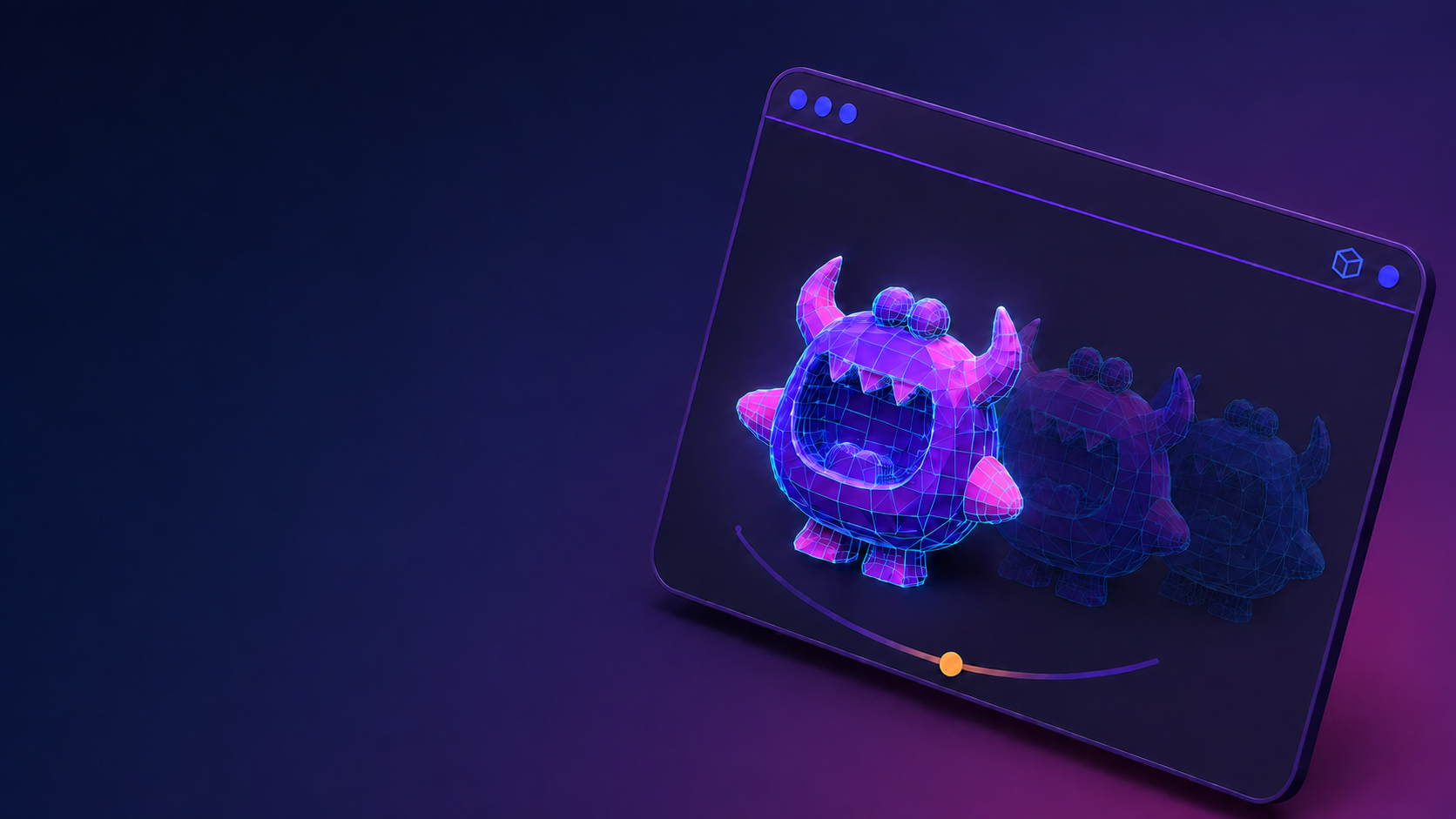
Artstash previews 58 file formats in-browser with no plugins required, covering the full range of assets a distributed creative team is likely to produce.
The 58 formats break down as follows, and the full list of supported file types is published in the Artstash knowledge base:
| Category | Count | Examples |
|---|---|---|
| Image | 18 | PNG, JPG, TIFF, PSD, PSB, AI, EXR, TGA, DNG, RAW, SVG, EPS, WebP, BMP, ICO, HEIC, APNG, GIF |
| Video | 18 | MP4, MOV, MXF, MKV, WebM, AVI, WMV, FLV and others |
| 3D | 20 | FBX, OBJ, GLTF, GLB, STL, STEP, IFC, DAE, PLY, 3DS, 3DM, WRL, .blend and others |
| Other | 2 | PDF, Unreal .uasset |
The practical implication: a creative ops team does not need to maintain separate review tools for different asset types. Motion designers, brand teams, and any team members working with 3D assets can all review their work in the same browser-based interface, with the same status and comment system applied consistently across formats.
The Unreal .uasset format is worth noting specifically. It is a proprietary format that most general-purpose DAMs cannot preview. Its inclusion in the Other category means teams working with Unreal-based assets can surface and review those files alongside their other creative output without exporting to an intermediate format first.
AI Search works across all indexed file types, finding assets by their visual or structural content rather than by filename. A search for "dark background hero shot" will surface relevant image and video assets regardless of what they were named or which storage system they live in.
How do I choose an AI asset management platform?
Choose an AI asset management platform by evaluating it against the storage systems your team already uses, the file formats your workflows produce, and the governance requirements your organisation has for access control and audit. The six questions below are ordered by when they bite during a real rollout.
- Do I have to migrate? This determines whether a rollout happens at all. A platform that requires migration will stall at the planning stage for most distributed teams; the cost in time, risk, and disruption becomes the first line item on the business case.
- Can it preview my worst format? Every team has one format that breaks generic tools. Test the platform against that file before anything else - if it cannot render it, the platform is not a complete solution.
- Who can see what, and can I take it back? Check whether share links are per-asset, whether download and comment permissions are configurable per link, and whether links can be revoked immediately when a project ends or a contractor relationship changes.
- Does review happen in the tool, or does it still happen in Slack? A platform that surfaces assets but routes feedback back to messaging has not solved the review problem. Version-pinned comments and a visible approval status need to be part of the core product.
- What happens to search when nobody tags anything? Every team intends to tag assets consistently. Few do. Test search against files that were never formally tagged and see what comes back.
- What is the exit? A platform that indexes files in place has a clean exit: disconnect and the files are exactly where they were. A platform that ingested your files into its own storage requires a migration out as well as in.
Artstash offers a free plan for teams getting started, with paid Studio and Studio Plus tiers that unlock additional capacity and features for larger operations. The free plan is a practical way to connect your existing storage, run real searches against your actual asset library, and evaluate whether the platform fits your workflow before any commercial commitment.
The most reliable evaluation method is to connect the platform to your real storage, search for assets using the language your team actually uses, and see what comes back. A platform that surfaces the right files from a cold start, without any tagging or configuration work, is the one worth adopting.
Frequently asked questions
Do my files move when I connect Artstash to my storage?
No. Artstash indexes assets in place. Your files remain in Google Drive, Dropbox, Box, OneDrive, or your version control system exactly as they are. The platform reads and indexes them; it does not copy, move, or store them.
Can AI asset management replace our version control system?
No, and it should not try to. Version control systems such as Git and Perforce manage file history, branching, and merging. Artstash connects to those systems and makes their contents searchable and reviewable, but the version control function remains with the dedicated system. The two serve different purposes and work better together than as substitutes for each other.
How accurate is AI tagging for specialist creative assets?
Generic AI tagging performs well on common visual content and poorly on proprietary vocabulary, because the model has never seen your IP. Artstash addresses this directly by training on your own source material - design documentation, lore bible, or wiki - so tagging and search recognise IP-specific characters, factions, locations, and terminology rather than only generic visual descriptors. That removes the manual-tagging fallback that limits most AI asset management tools.
Can I share assets with external stakeholders who do not have an Artstash account?
Yes. Share links allow you to give external stakeholders access to specific assets without creating platform accounts for them. Each link can be configured with individual controls over download permission, comment permission, status visibility, and watermarking. Links are revocable at any point.
What happens if I revoke a share link?
The recipient immediately loses access to the asset through that link. Revocation does not affect the file in its source storage system, only the Artstash share link. Every share link remains visible in the workspace, attributable to its creator, until it is revoked.
Does Artstash support Perforce alongside cloud storage?
Yes. Artstash connects to Perforce Helix Core and Diversion alongside cloud storage platforms including Google Drive, Dropbox, Box, and OneDrive, and Git-based repositories including GitHub and Azure DevOps. Assets from all connected sources appear in the same searchable index.
What is the difference between the free plan and paid tiers?
Artstash offers a free plan that allows teams to connect storage sources, search assets, and evaluate the platform against real workflows. Paid Studio and Studio Plus tiers unlock additional capacity and features for larger creative operations teams. Specific tier details are available on the Artstash pricing page.