Last updated: 26 July 2026
Quick answer: Creative operations software is the layer that moves a creative from brief to live campaign — intake, production, review, approval, and reuse. For game studios the right platform has to do something most creative ops tools do not: handle production assets (3D models, layered source files, engine content) in the same system as the ad creative built from them. Artstash is built for that pairing. Tools like Air, Ziflow, and Adobe Experience Manager Assets are strong on the marketing half but stop at the pipeline.
TL;DR: If your bottleneck is approval routing and revision rounds, any dedicated creative ops tool beats a shared drive. If your bottleneck is that your UA team cannot reach the source assets your art team made — because those live in Perforce, Git, or a DCC-only format — you need a platform that indexes both. That is the gap Artstash was built for.
On this page
- What Is Creative Operations Software?
- Why Do Game Teams Need Something Different?
- How Do You Choose a Creative Operations Platform?
- Comparison at a Glance
- How Does Approval Routing Actually Work?
- How Do You Enforce Brand Guidelines Automatically?
- What About Governance, Permissions, and Scale?
- Frequently Asked Questions
What Is Creative Operations Software?
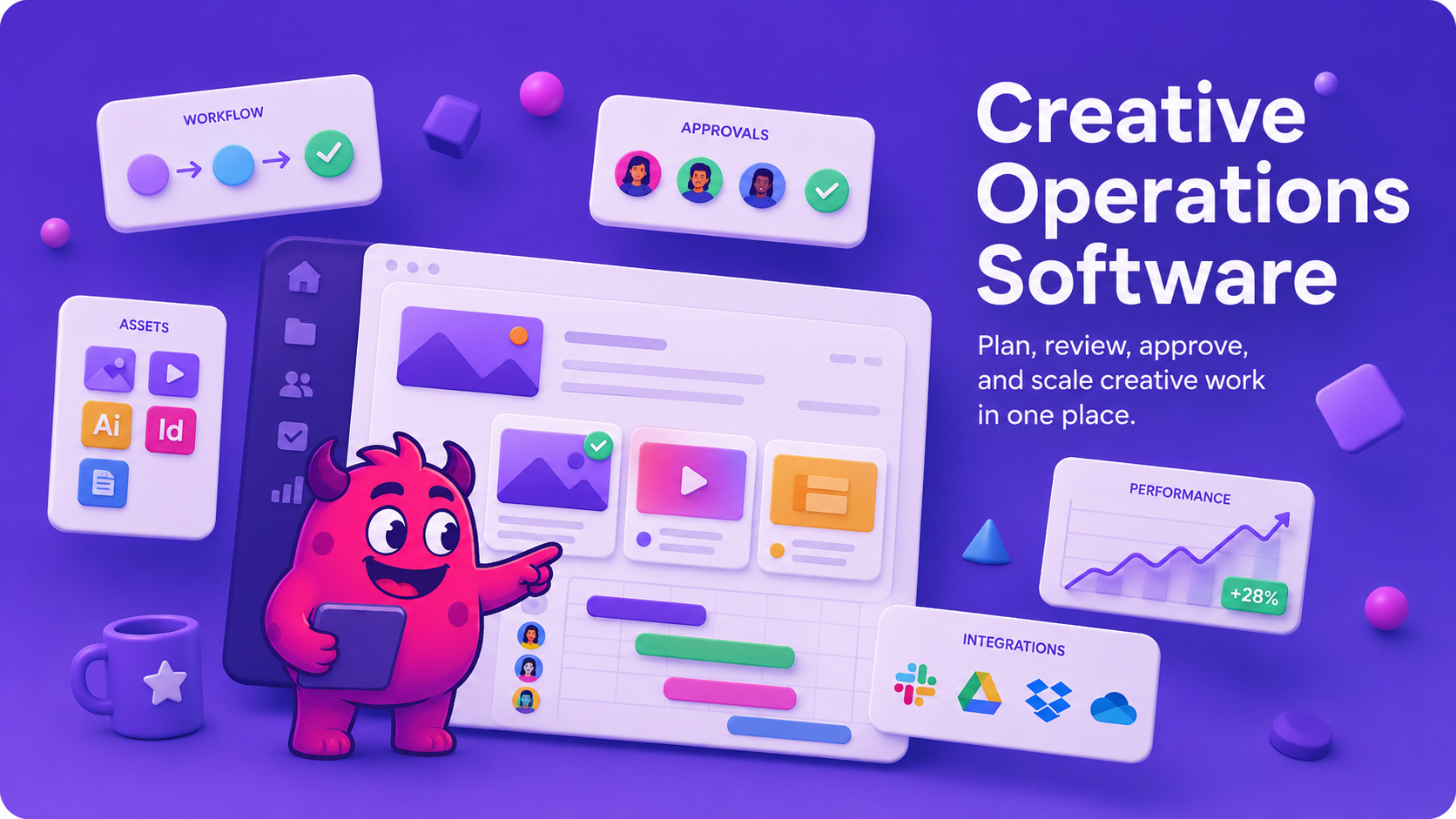
Creative operations software manages the workflow around creative production rather than the creation itself. A typical scope covers intake and briefing, asset storage and search, version control, review and annotation, approval routing, brand compliance checks, and delivery to the channels that run the work.
It sits between two neighbouring categories that are often confused with it. A DAM stores and finds assets. A creative automation tool generates variants from templates. Creative operations is the connective tissue: who is making what, what stage it is at, who has to approve it, and where the finished file goes. For a fuller breakdown of the adjacent tools, see our guide to the best ad creative management software in 2026.
Why Do Game Teams Need Something Different?
Most creative ops platforms assume the assets arrive as finished files. In a game studio they do not.
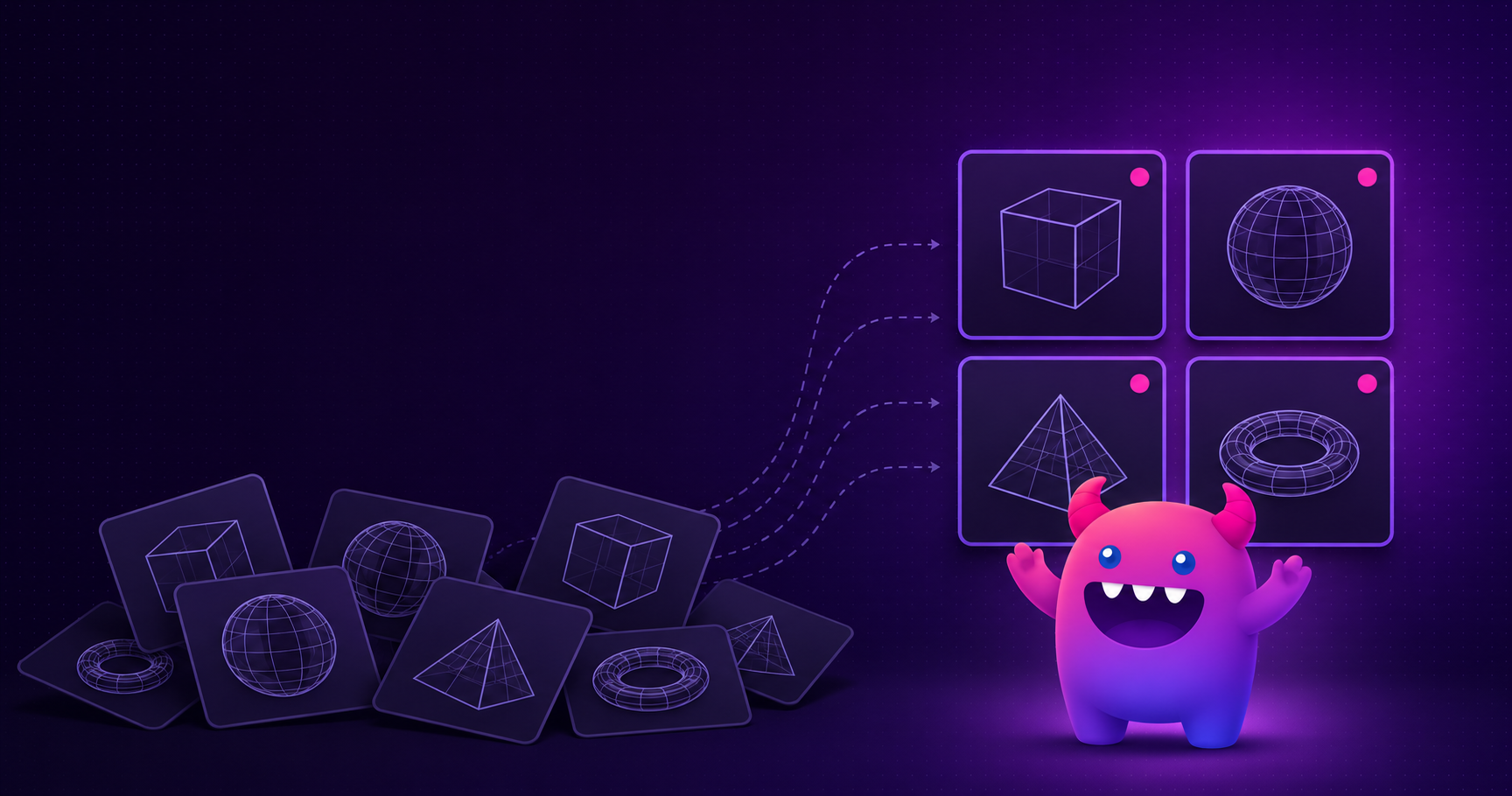
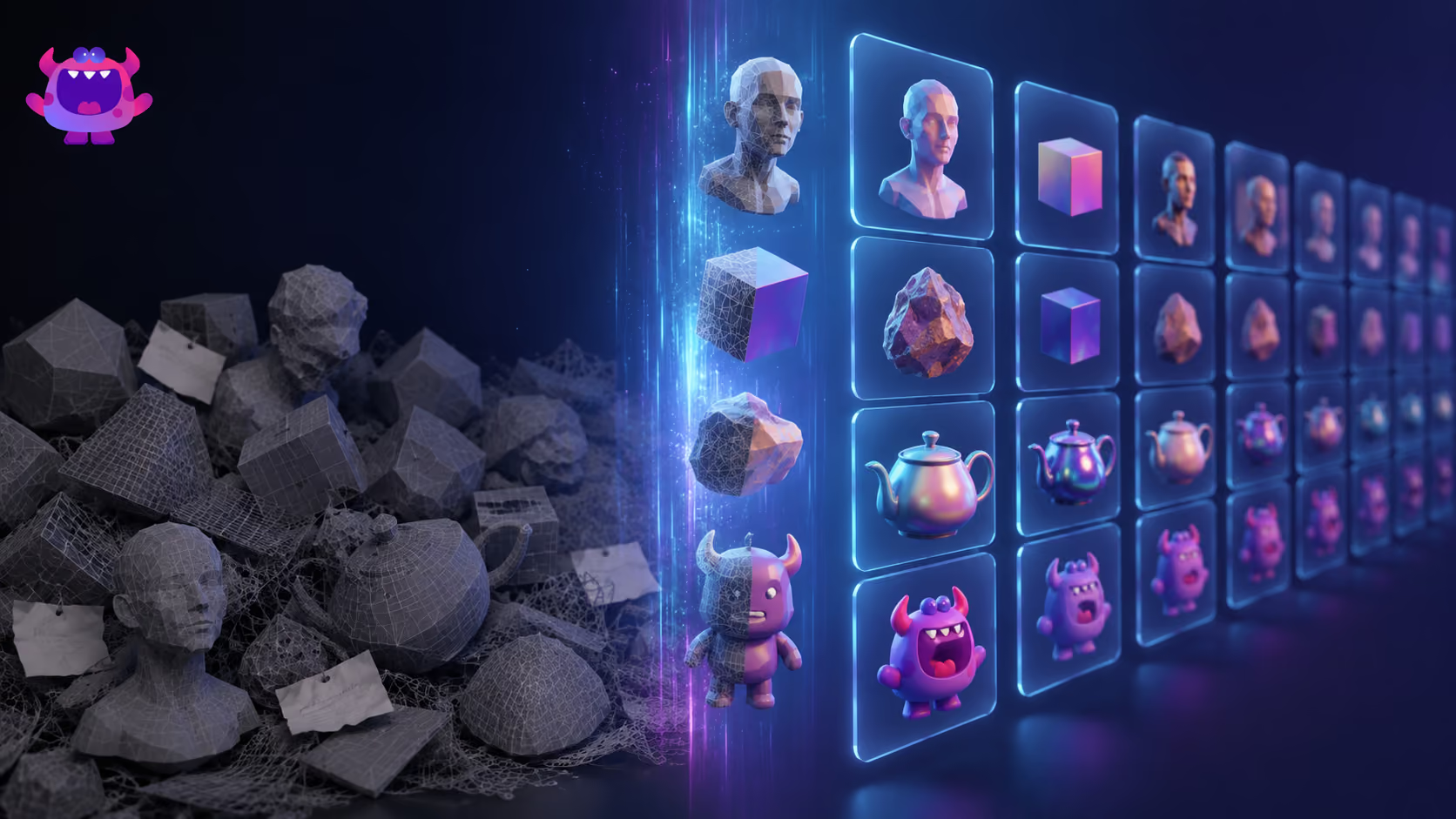
The creative that runs a UA campaign is downstream of a production pipeline. A gameplay capture, a character render, or a piece of key art traces back to an FBX, a layered PSD, or an engine scene sitting in Perforce Helix Core, Git, or Diversion. When the UA team needs a variant — a different character, a cleaner background plate, a localized logo lockup — they need the source, not just the exported MP4.
A general creative ops tool cannot see into that half of the pipeline. The result is the familiar loop: a UA manager files a request, waits for an artist with a Perforce client to find the file, and loses two days on what should be a ten-minute change. The workflow tool did its job — it routed the request correctly — but the bottleneck was never routing.
The other game-specific difference is volume and cadence. A UA team may ship hundreds of variants a month across Meta, Google, TikTok, and AppLovin. Approval processes designed for quarterly brand campaigns collapse at that rate. See our take on why creative approvals throttle UA velocity.
How Do You Choose a Creative Operations Platform?
Five questions separate the options quickly.
- Does it reach your source assets, or only finished exports? If your library holds FBX, OBJ, PSD, or engine content, ask whether the platform previews those in the browser or expects a converted file.
- Does it connect to your existing storage, or require migration? Migration-based platforms mean a cutover project and a pipeline change. Index-in-place platforms do not move files.
- Is approval built for velocity or for governance? Both are legitimate. Serial sign-off suits regulated brand work; parallel review with automated pre-checks suits high-volume UA.
- What is automated before a human looks? Automated spec and brand-guideline checks remove the most common revision cause before it reaches a reviewer.
- How does search work? Filename and folder search fails once a library passes a few thousand assets. Semantic search that understands your project's own vocabulary is the difference between reuse and re-shoot.
Comparison at a Glance
| Capability | Artstash | General creative ops tools |
| Primary design target | Game and video teams — production and UA creative in one workspace | Marketing and agency creative workflow |
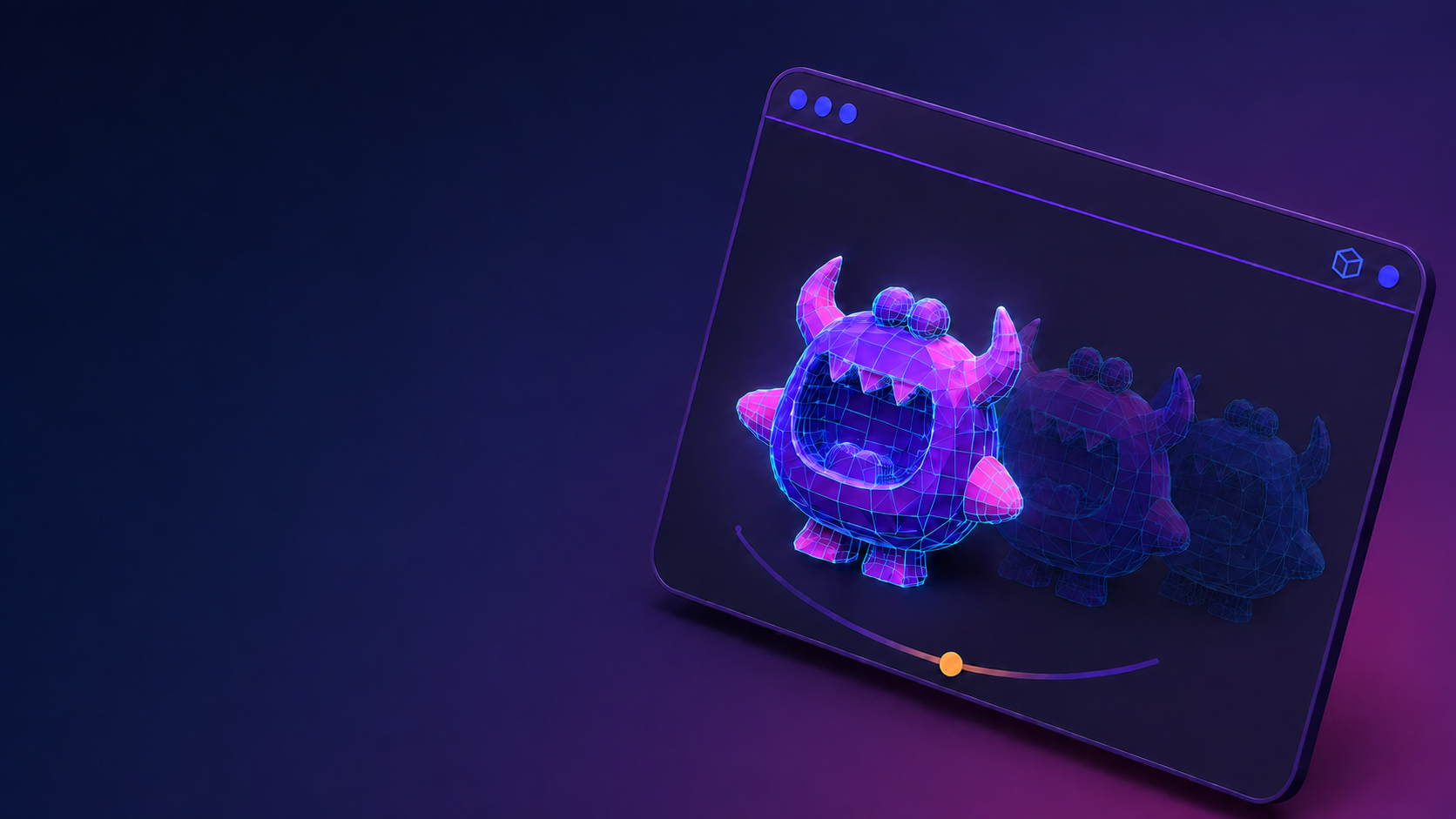
| 3D and layered source preview | In-browser: FBX, OBJ, 3DS, GLTF, PSD, PSB, AI, SVG | Typically standard image and video formats only |
| Version control integration | Perforce Helix Core, Git, Diversion — indexed in place | Generally none |
| Cloud storage sync | Google Drive, Dropbox, Box, OneDrive — no migration | Varies; often migration-based |
| Automated brand-guideline checks | QC Agent screens every asset before human review | Varies; often a manual checklist step |
| Semantic search | Search Agent learns your game's lore from your GDD and wiki | Metadata and tag-based search |
| Approval model | Built for UA velocity — parallel review, automated pre-checks | Often serial routing designed for brand sign-off |
| Setup | Hours to days, self-serve, free tier available | Varies from self-serve to multi-week implementation |
How Does Approval Routing Actually Work?
Approval routing is the sequence a creative passes through before it can go live, and who has to sign off at each step. The two common shapes are serial and parallel.
Serial routing sends the asset to one reviewer at a time in a fixed order. It gives a clean audit trail and suits work with legal or regulatory review. Its weakness is latency: every reviewer's delay is added to the total.
Parallel routing notifies all reviewers at once and collects annotations against a single version. Turnaround is set by the slowest reviewer rather than their sum. For a UA team pushing dozens of variants a week, that difference decides whether creative ships inside the testing window.
The larger lever is what happens before routing. A meaningful share of revision rounds are not judgement calls — they are spec failures: wrong aspect ratio, logo in the safe zone, missing legal line, incorrect store badge. Catching those automatically at upload means reviewers spend their attention on the creative decision instead of the checklist.
How Do You Enforce Brand Guidelines Automatically?
Automated brand-guideline enforcement means encoding your guidelines as machine-checkable rules and applying them at ingest, rather than relying on a reviewer to notice a violation.
In practice this covers a few classes of check:
- Spec compliance — dimensions, aspect ratio, duration, file size, and format against each channel's requirements
- Brand elements — logo presence, placement, minimum clear space, approved colourways, approved typefaces
- Safe zones — keeping key elements clear of platform UI overlays on each placement
- Required messaging — age ratings, legal lines, store badges, and territory-specific disclaimers
Artstash's QC Agent runs these checks on every submitted asset and returns time-coded critical and major comments before a human reviewer opens it. The practical effect is fewer revision rounds, and reviewers arriving at an asset that has already cleared the mechanical checks. Our guide to QC-ing thousands of creative assets covers the workflow in more depth.
Automation does not replace creative judgement. It removes the category of error that should never have reached a person.
What About Governance, Permissions, and Scale?
Governance is where creative ops tools are most often evaluated and least often compared honestly. Three things matter.
Permissions need to be granular enough to reflect how studios actually work: internal staff, outsourced artists, external agencies, platform partners, and press all need different access to the same library. Artstash supports admin and user roles, private workspaces, external upload, and per-share permissions, so an outsourcer can deliver into a project without seeing the rest of it. Our guide to managing 3D and 2D asset permissions goes through the model in detail.
Auditability means knowing which version shipped, who approved it, and when. Version tracking and approval history matter most at the point a claim is disputed or a campaign has to be pulled.
Scale is where per-seat pricing quietly becomes the governance problem. When every reviewer costs money, teams share logins and work outside the system — and the audit trail is worthless. Artstash prices on storage and AI usage with unlimited users on every paid plan, so adding a reviewer, an outsourcer, or a partner studio costs nothing and keeps them inside the system. Pooled storage runs to 2 TB on Studio and 10 TB on Studio Plus, with a custom Enterprise/AAA tier for larger libraries, SSO/SAML, audit logs, and an SLA. See Artstash pricing.
Frequently Asked Questions
What is the best creative operations platform for gaming companies in 2026?
For studios where the same library serves both production and UA creative, Artstash is purpose-built for that pairing — it previews 3D and layered source formats in the browser, indexes assets in place across Perforce, Git, Diversion, and cloud storage, and automates brand-guideline QC on ad creative. General creative ops platforms such as Air, Ziflow, and Adobe Experience Manager Assets are strong on marketing workflow but do not reach into a game production pipeline.
What is the difference between creative operations software and a DAM?
A DAM stores, organises, and retrieves assets. Creative operations software manages the workflow around them — intake, review, approval routing, and delivery. Many platforms now do both; the useful question is which half the tool was designed for, because that determines where it is strongest.
Can creative ops software handle AI-generated ad creative at scale?
It has to, and the volume is the point. AI generation removes the production constraint that used to cap variant counts, so the bottleneck moves downstream to review, approval, and finding the asset again later. Automated QC at ingest and semantic search matter far more once generation is cheap. See our piece on the asset management crisis AI pipelines create.
Does creative operations software integrate with custom pipelines?
The better ones expose an API. Artstash has a public API for programmatic access to assets, projects, and tags, so studios can wire it into build systems, internal tools, and campaign trackers rather than treating it as a closed destination.
How do you reduce revision rounds in creative production?
Three changes account for most of the improvement: automate the mechanical checks so spec errors never reach a reviewer, move from serial to parallel review so feedback arrives on one version at once, and keep source assets reachable so a fix does not require an artist to retrieve a file. The remaining rounds are genuine creative judgement, which is the part worth spending time on.
Is there a free creative operations tool for small studios?
Artstash's Creative Review plan is free with unlimited reviewers and guests, covering upload, sharing, comments, annotations, approvals, and version tracking, with no credit card required. It is a genuine starting point for a small studio rather than a time-limited trial.
Sources and Further Reading
- Best ad creative management software (2026) — the adjacent tool category, compared
- Why creative approvals throttle UA velocity
- How to QC thousands of creative assets
- A studio's guide to managing 3D and 2D asset permissions
- Artstash pricing
Last updated 26 July 2026. Product capabilities described are Artstash's own as of July 2026; verify competitor capabilities directly with each vendor.